
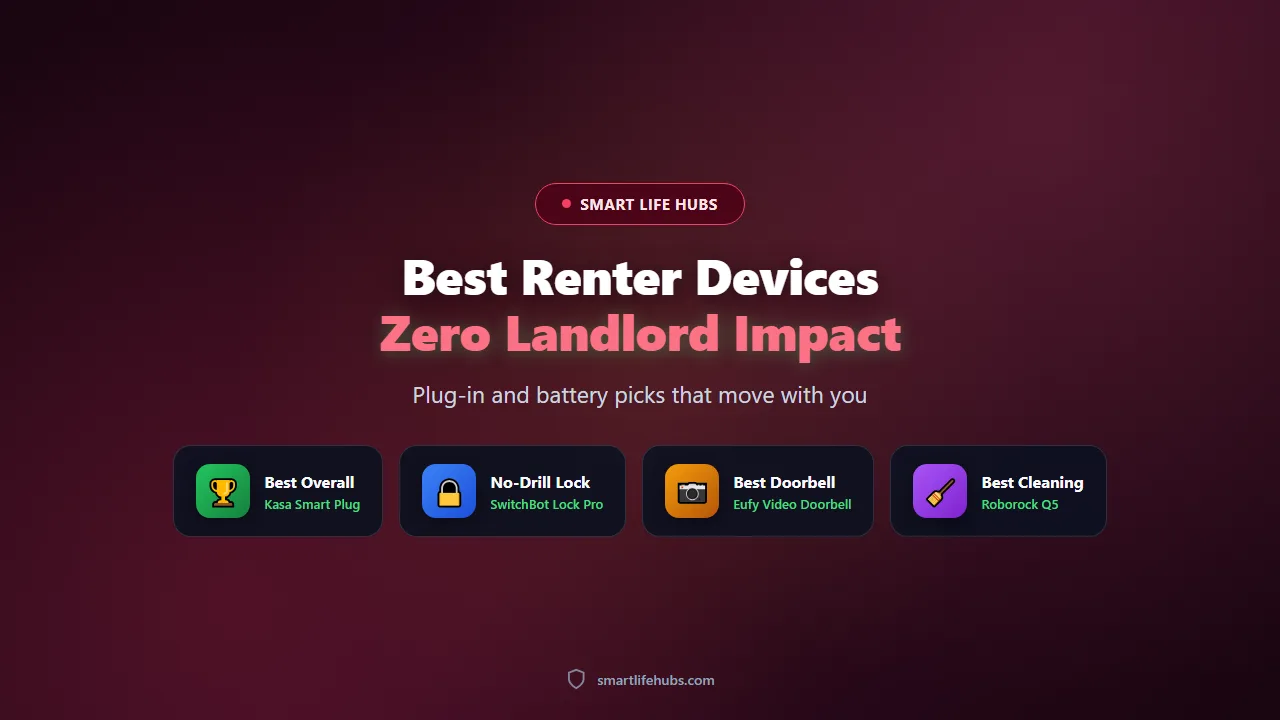
Best smart home devices for renters of 2026 all share one property, which is that you can take them with you when you leave and leave nothing behind for the landlord to complain about. I have moved twice with a smart home and learned the hard way which devices survive a removal, and the honest finding is that the best rental kit is mostly plug-in and battery-powered, because anything that needs a hole in the wall or a change to the wiring is a negotiation you do not want.
The second thing to understand is the difference between a device that is renter-safe and one that is merely portable. A battery doorbell is renter-safe if you use the adhesive mount or a bracket that clamps to the door frame. A smart lock is renter-safe only if it fits over your existing deadbolt rather than replacing it. A smart switch is usually not renter-safe at all, because it replaces the wall switch, and that is the device most likely to cost you a deposit.
Prices below are US retail captured in November 2026 and they move with sales and bundles.
At a glance
| Product | Best for | Key specs | Price |
|---|---|---|---|
| TP-Link Kasa Smart Plug Mini | Best overall | Wi-Fi, no hub, energy monitoring, compact | About 15 to 20 USD |
| SwitchBot Lock Pro | Best no-drill lock | Clips over an existing deadbolt, auto-unlock, battery | About 120 USD |
| Eufy Security Video Doorbell | Best doorbell | Battery, local storage, no subscription | About 150 USD |
| Roborock Q5 | Best cleaning | Robot vacuum, no installation, app and local control | About 200 to 300 USD |
| Aqara Temperature and Humidity Sensor | Best sensor | Zigbee, small, cheap, works with a local hub | About 15 USD |
The best smart home devices for renters of 2026
1. TP-Link Kasa Smart Plug Mini, best overall
The Kasa Smart Plug Mini is the device that makes a rental feel smart in an afternoon, and it is the first thing I pack when I move. It plugs into any outlet, connects over Wi-Fi with no hub, monitors energy, and schedules lamps, fans and heaters from the app. At about 15 to 20 dollars it is cheap enough to buy several, and it leaves nothing behind when you unplug it. The honest limitation is that it needs a cloud account and a Wi-Fi network, so it is not the privacy-first option, but for a renter who wants a quick win it is the best value here.
Pros
- About 15 to 20 dollars, no hub and no installation
- Energy monitoring and scheduling in a compact body
- Unplugs and travels with you
Cons
- Cloud account required, not local
- Only controls whatever is plugged into it
Check today’s price on Amazon.
2. SwitchBot Lock Pro, best no-drill lock
The Lock Pro is the answer to the problem that stops most renters from having a smart lock, because it clips over your existing deadbolt rather than replacing it. You keep your current keys, you keep the lock the landlord fitted, and you add app control, auto-unlock as you arrive, a keypad and remote access. It runs on batteries, so there is no wiring, and it removes in minutes when you leave. At about 120 dollars it is cheaper than a deadbolt replacement and far less likely to cause a dispute. The honest trade-off is that it sits on the inside of the door and looks like an add-on, and it needs a separate hub for some features.
Pros
- Fits over an existing deadbolt with no drilling
- Battery powered and removable in minutes
- Auto-unlock, keypad, app control and key backup
Cons
- Visible add-on on the inside of the door
- Some features need a separate hub
Check today’s price on Amazon.
3. Eufy Security Video Doorbell, best doorbell
A video doorbell is the device most renters want and most landlords resist, because the obvious version needs to be wired into the existing doorbell. The battery models solve this: the Eufy video doorbell runs on a rechargeable battery, mounts with adhesive or a bracket, stores footage locally on a small home base and needs no subscription. At about 150 dollars it gives you a doorbell camera without touching the wiring, and you take it with you. The honest trade-off is that you must charge the battery every few months, and a battery doorbell can miss the very first seconds of a visitor if the wake-up is slow.
Pros
- Battery powered, so no wiring and no landlord approval
- Local storage with no monthly subscription
- Removes cleanly when you move
Cons
- Battery needs recharging every few months
- Can be slower to wake than a wired doorbell
Check today’s price on Amazon.
4. Roborock Q5, best cleaning
A robot vacuum is the most renter-friendly cleaning upgrade there is, because it needs no installation, no mounting and no changes to the flat, and it handles the dust and hair that accumulate in a rented space. The Q5 has LiDAR navigation, app control and a multi-floor map, at about 200 to 300 dollars, and it is the pick if you want a clean floor without giving up a wall. The honest limitation is that it struggles with very cluttered floors and it needs a dock positioned with clearance, so it is not a fit for a tiny studio with nowhere to put it.
Pros
- No installation and nothing to mount
- LiDAR mapping and app control
- Packs flat and moves with you
Cons
- Needs clear floor space around the dock
- Struggles with cables and clutter
Check today’s price on Amazon.
5. Aqara Temperature and Humidity Sensor, best sensor
The Aqara sensor is the small, cheap device that makes a rental feel monitored without any commitment. It is a Zigbee temperature and humidity sensor at about 15 dollars, it runs on a coin cell for a year or more, and it sticks anywhere with adhesive. Paired with a local hub, it can trigger a notification if a room gets too cold or too damp, which is genuinely useful in a rental with unreliable heating. The honest trade-off is that it needs a Zigbee hub, so it is not a standalone purchase, and the adhesive mount leaves a small pad behind if you peel it off carelessly.
Pros
- About 15 dollars and runs a year on a coin cell
- Small, adhesive, and easy to place
- Works with a local hub for cold and damp alerts
Cons
- Needs a Zigbee hub
- Adhesive mount can leave residue
Check today’s price on Amazon.
How to choose rental-safe devices
Start by asking what happens on moving day, because that is the test that matters. If a device needs a hole in the wall, a change to the wiring, a new faceplate or a permanent mount, it is not renter-safe unless the landlord has agreed in writing. If it plugs in, sticks on with a removable pad, or sits on a shelf, it is. The cheapest smart home is the one you do not have to uninstall.
Then check the mounting method, because “no drilling” is often a claim rather than a fact. Look for adhesive rated for the surface, clamp mounts for door frames, and tension rods for curtains. A removable adhesive pad works on paint and tile but not on fresh or textured plaster, so read the surface guidance and test a small pad first if you are unsure.
Avoid devices that need a neutral wire, a new breaker or a fixed connection, because those are electrical work. A smart switch, a hardwired doorbell and a wired thermostat all fall into this category, and replacing them is a job for a licensed electrician rather than a tenant. If you want control of a light, use a smart bulb or a plug-in lamp instead.
Be honest with your landlord rather than sneaking, because a device that is discovered later is worse than one that is agreed. A short message describing a battery doorbell or a lock that fits over the existing deadbolt is usually enough, and getting it in writing protects your deposit. For the camera side, our guide to security cameras for apartments covers the no-drill options in more detail.
Finally, keep the boxes and the original fittings, because a rental smart home is a set of things you will pack again. Store the adhesive pads, the brackets and the power supplies with the device, and photograph how each one was mounted before you remove it, so the next installation takes minutes rather than an evening. For the broader category, the apartment devices guide covers the space-saving side.
Living with a rental smart home
Build around the plug socket and the battery, because those are the two things a rental gives you. A smart plug on a lamp, a battery doorbell, a robot vacuum and a sensor or two will cover most of what people want from a smart home, and none of it needs permission. Start with one room, get the routine working, and only then add to the next, because a small system that is used beats a large one that is half-configured.
Use removable adhesive rather than screws, and give it time to cure. A pad that has had twenty-four hours to bond will hold a sensor or a small bracket reliably, and a pad applied in a hurry will fail at the worst moment. Clean the surface first, press firmly, and let it settle before you hang anything on it.
Plan the Wi-Fi, because a rental often has one router in one corner and a thick wall in the way. A single mesh node or a good router placement can make the difference between a responsive home and one that lags, and it is the cheapest upgrade that improves everything else.
Document what you install and take it all with you. Keep a list of the devices, their mounts and their accounts, and remove everything before you hand back the keys. A landlord who finds a clean flat and a filled screw hole is a landlord who returns a deposit.
Do not let the smart home become the reason you cannot leave. The point of a rental setup is that it travels, so favour devices with standard accounts and simple removals over a deeply integrated system that would take a day to dismantle. For a reference on the plug-in side, nytimes.com/wirecutter/reviews/best-smart-plug is a good independent check.
Frequently asked questions
Frequently Asked Questions
6What smart home devices are safe for renters?
Anything that plugs in, runs on batteries or mounts with removable adhesive. Smart plugs, battery cameras, robot vacuums, smart bulbs and retrofit locks are all renter-safe. Avoid anything that needs a new wire, a new breaker or a hole in the wall.
Can I install a smart lock in a rental?
Yes, if it is a retrofit that fits over your existing deadbolt, like the SwitchBot Lock Pro. Avoid a full deadbolt replacement, which changes the door hardware and usually needs the landlord’s agreement.
Do I need my landlord's permission for a video doorbell?
It depends on the model and your lease. A battery doorbell that sticks on or clamps to the frame is usually fine, while a wired doorbell that uses the existing wiring may need permission. Ask in writing and keep the answer.
Will smart home devices damage the walls?
Removable adhesive pads generally do not, if they are removed slowly and warmed first. Screws, anchors and permanent mounts do, so avoid them or get permission. Test a small pad in a hidden spot if you are unsure.
What is the easiest smart home for a renter?
A smart plug, a battery camera, a robot vacuum and a couple of sensors. They need no installation, they work with a normal Wi-Fi network, and they all pack into a box when you move.
Should I use a hub in a rental?
Only if you want local control or a lot of sensors. A hub adds cost and something else to pack, so for a small setup a few Wi-Fi devices with their own apps is simpler. If you do want one, a small local hub is easy to take with you.
The bottom line
Buy a TP-Link Kasa Smart Plug Mini first, because at about 15 to 20 dollars it is the cheapest way to make a rental feel smart and it leaves nothing behind. Add a SwitchBot Lock Pro if you want a lock without drilling, a battery video doorbell for the front door, and a robot vacuum for the floor, and you have a rental smart home that needs no permission and packs into a box.
The rule that matters is the moving-day test. If a device needs a hole, a new wire or a permanent mount, it is not renter-safe unless the landlord has agreed in writing. Everything else is fair game, and the plug-in and battery categories are now good enough that you do not lose much by avoiding the wired options.
Keep the boxes, use removable adhesive, and take photographs before you remove anything. A rental smart home should be something you look forward to unpacking in the next place, not something you dread taking apart.


Leave a Comment