
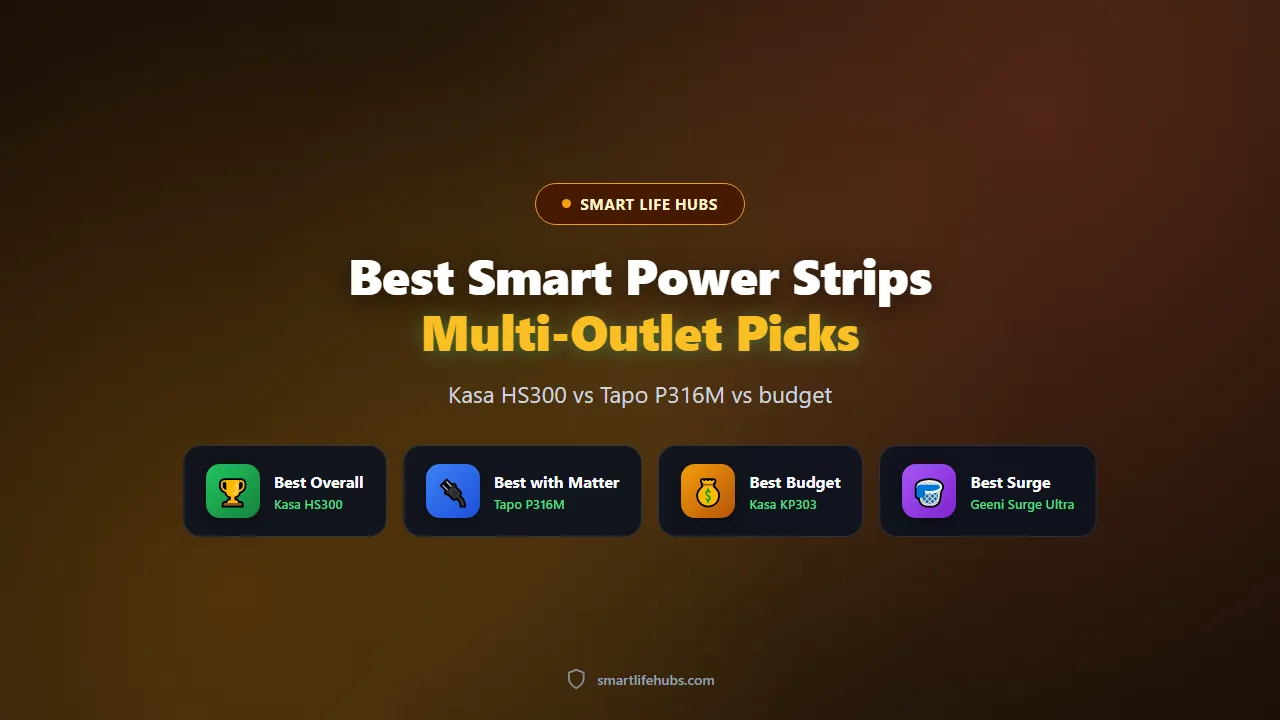
Best smart power strips of 2026 turn a cluster of devices into something you can control, schedule and measure from one block, and the category has matured to the point where the best strips are cheaper and smarter than buying six separate plugs. I have used a six-outlet strip behind a television and a desk for about six months, and the honest finding is that the per-outlet control is what makes the strip worth it, while the energy monitoring is the feature that separates the good ones from the basic ones.
The second thing to understand is the difference between a smart strip and a row of smart plugs. A strip is one device on your Wi-Fi, one surge protector and one cable, and it gives you six independently switched outlets in a tidy block. Six separate plugs cost more, take six outlets and need six connections. If you have a cluster of devices, a strip is usually the better answer, and if you only need one or two, a plug is.
Prices below are US retail captured in November 2026 and they move with sales.
At a glance
| Product | Best for | Key specs | Price |
|---|---|---|---|
| TP-Link Kasa HS300 | Best overall | 6 outlets, 3 USB, per-outlet energy monitoring, surge | About 42 to 55 USD |
| TP-Link Tapo P316M | Best with Matter | 6 outlets, Matter, per-outlet energy monitoring | About 50 to 60 USD |
| Kasa KP303 | Best budget strip | 3 outlets, 2 USB, surge protection, no hub | About 30 USD |
| Geeni Surge Ultra | Best Alexa and Google strip | 6 outlets, 1,200 joule surge, USB-C | About 40 USD |
| Amazon Basics 6-Outlet | Best value | 6 outlets, 3 USB, no energy monitoring | About 40 USD |
The best smart power strips of 2026
1. TP-Link Kasa HS300, best overall
The HS300 is the strip most people should buy, because it combines six independently controlled outlets, three USB ports, surge protection and per-outlet energy monitoring in one block. Each outlet appears in the Kasa app with its own switch and its own energy readings, so you can see which device is using what and turn it off remotely, and it works with Alexa and Google and has a well-supported local integration in Home Assistant. At about 42 to 55 dollars it is the best balance of features and price. The honest trade-offs are no Matter or Apple Home support, a shared 15 amp limit across the strip and a body that is large enough to dominate a media shelf.
Pros
- Six outlets with per-outlet energy monitoring and control
- Surge protection, three USB ports and no hub
- Well-supported in Home Assistant and the major assistants
Cons
- No Matter or Apple Home support
- 15 amp shared limit rules out several high-draw appliances
Check today’s price on Amazon.
2. TP-Link Tapo P316M, best with Matter
The P316M is the pick if you want the same six-outlet layout with Matter. It has six independently controlled outlets, three always-on USB ports and per-outlet energy monitoring, and it is Matter-certified, so it joins Apple Home, Google Home, Alexa and SmartThings without a hub. At about 50 to 60 dollars it costs a little more than the HS300, and the trade-off is worth it if you are in Apple Home or you want the strip to work across ecosystems. The honest limitation is that the USB ports are always on, so they cannot be scheduled.
Pros
- Matter-certified with per-outlet energy monitoring
- Six outlets and three always-on USB ports
- No hub required
Cons
- About 50 to 60 USD, a little more than the HS300
- USB ports are always on, so they cannot be scheduled
Check today’s price on Amazon.
3. Kasa KP303, best budget strip
The KP303 is the cheapest sensible strip and the pick if you only need a few outlets. It has three independently schedulable outlets, two USB ports and ETL-certified surge protection, at about 30 dollars, and it works with the Kasa app and Alexa and Google with no hub. The trade-offs are the three outlets rather than six, no per-outlet energy monitoring and a shorter cord, so it is the right size for a bedside, a kitchen counter or a small desk rather than a media shelf.
Pros
- About 30 dollars for three outlets and surge protection
- No hub and a simple Kasa app setup
- Compact enough for a counter or a desk
Cons
- Only three outlets and two USB ports
- No per-outlet energy monitoring
Check today’s price on Amazon.
4. Geeni Surge Ultra, best Alexa and Google strip
The Geeni is the pick if you want a six-outlet strip with a strong surge rating and a USB-C port. It has six independently app-controlled outlets, 1,200 joules of surge protection, a USB-A and a USB-C port, and it works with Alexa and Google at about 40 dollars. The trade-offs are no energy monitoring, no Matter and an app that is less polished than Kasa or Tapo, so it is the value choice if surge protection and voice control matter more than the data.
Pros
- About 40 dollars with 1,200 joules of surge protection
- Six outlets plus USB-A and USB-C
- Alexa and Google control with no hub
Cons
- No per-outlet energy monitoring
- App is less polished than Kasa or Tapo
Check today’s price on Amazon.
5. Amazon Basics 6-Outlet, best value
The Amazon Basics strip is the cheapest six-outlet option and the pick if you want the outlets without the smart features. It has six independently controlled outlets, three USB ports including a USB-C, and it works with Alexa through the Amazon ecosystem at about 40 dollars. There is no energy monitoring and no Matter, so it is the honest budget choice for a media shelf where you want control of six devices and nothing more. The trade-off is the smallest feature set here, which is the point at this price.
Pros
- About 40 dollars for six outlets and three USB ports
- Simple Alexa and app control
- Low profile and easy to place
Cons
- No energy monitoring
- No Matter and tied to Alexa for the best experience
Check today’s price on Amazon.
How to choose the best smart power strip
Start with how many outlets you need, because that decides the size and the price. A three-outlet strip suits a bedside or a counter, a six-outlet strip suits a media shelf or a desk, and anything larger is probably a PDU rather than a consumer strip. Count the devices you actually want to control, including the ones you will add later, and buy one size up from your first count.
Then decide whether you need per-outlet energy monitoring, because it doubles as a diagnostic tool. A strip that reports the power of each outlet will show you which device is expensive to run, which is the feature that makes a smart strip more than a remote-controlled extension lead. If you only want control, the cheaper strips without monitoring are fine.
Check the surge protection and the joule rating, because a strip full of electronics should protect them. Look for at least 600 to 1,200 joules, an ETL or UL listing, and a warranty that covers connected equipment, because a strip without a real surge rating is a fire risk with a row of plugs.
Check the shared current limit, because a six-outlet strip usually has a 15 amp total limit, not 15 amps per outlet. A strip with a heater, a dehumidifier and a television can trip the breaker, so add up the loads you plan to run at once and keep well below the limit.
Finally, check the ecosystem, because the strip has to live in the app you already use. The Kasa and Tapo work with Alexa and Google, the Tapo adds Matter, the Geeni and Amazon lean on Alexa, and the Kasa has the best Home Assistant integration. A detailed 2026 comparison at pcmag.com/picks/the-best-smart-plugs-and-power-strips covers the surge ratings and the per-outlet features of the current models.
Living with a smart power strip
Put it somewhere you can reach, because a strip behind a television is one you cannot press the reset button on. Leave a little slack in the cable, keep the outlets accessible, and avoid pushing it into a cabinet where the Wi-Fi signal is weak and the heat builds up. A strip that runs hot is a strip that will fail early, so give it airflow rather than burying it under a pile of bricks and adapters.
Name every outlet after the device, because a schedule for “living room television” is far clearer than one for “outlet 3”, and the energy history is much easier to read. Take five minutes at setup to label them all, and you will thank yourself later.
Loads, heat and safety
A smart strip is an electrical device carrying your most expensive electronics, so treat the ratings seriously. Check the joule rating for surge protection, check the amp rating for the total load, and check that the strip is listed by a recognised testing laboratory. A strip that is warm to the touch after an hour is telling you it is working too hard, and a strip with a damaged or loose outlet should be replaced rather than used, because a loose connection is where the heat starts.
Use the energy monitoring to find the standby loads, because that is the strip’s real value. Check a television, a game console, a soundbar and a set-top box, and you will usually find several watts each that add up to real money over a year. A strip that lets you switch a whole cluster off at once is the simplest fix.
Do not overload the strip, because the shared limit is the most common mistake. Check the wattage of each device, add up the ones that will run together, and keep the total well below the rating. A heater and a dehumidifier on the same strip is a good way to trip the breaker.
Test the surge protection indicator occasionally, because a strip that has absorbed a surge may have lost its protection while still passing power. If the protection light goes out, replace the strip rather than trusting it with your television. For the wider category, our energy-saving devices guide covers the bigger picture, and the smart plug guide covers the single-plug options.
Frequently asked questions
Frequently Asked Questions
6Are smart power strips worth it?
If you have a cluster of devices, yes. A strip gives you six independently controlled outlets, surge protection and often per-outlet energy monitoring in one block, which is cheaper and tidier than six separate smart plugs.
What is the difference between a smart strip and a smart plug?
A smart plug controls one device. A smart strip controls several from one unit, with one Wi-Fi connection and one surge protector. A strip suits a media shelf or a desk, and a plug suits a single appliance.
Can I use a smart power strip with a heater?
Check the rating first. A strip usually has a 15 amp shared limit, and a large heater can use most of it on its own. For a heater, use a strip with a high rating or a dedicated smart switch, and never run a heater with several other devices on the same strip.
Do smart power strips have surge protection?
The good ones do, with a joule rating and a connected-equipment warranty. Check the rating rather than assuming, because a strip without real surge protection is just an extension lead with a radio.
Can I control a smart power strip with Apple Home?
Some can. The Tapo P316M is Matter-certified, so it works with Apple Home, while the Kasa HS300 and KP303 work with Alexa and Google but not Apple Home natively.
How do I know if a strip is overloaded?
Add up the wattage of the devices running at the same time and compare it with the strip’s rating, usually 1,875 watts at 15 amps. If the total is close to the limit, move a device to another circuit, because a tripping breaker is the sign you are already too close.
The bottom line
Buy the TP-Link Kasa HS300 at about 42 to 55 dollars if you want the best all-round smart power strip. Six independently controlled outlets, per-outlet energy monitoring, surge protection and a mature app make it the strip most people will be happy with, and the Home Assistant support is the best in the category.
Buy the Tapo P316M at about 50 to 60 dollars if you want the same layout with Matter, because it is the pick for Apple Home and for anyone who wants the strip to work across ecosystems. The Kasa KP303 at about 30 dollars is the budget strip, and the Geeni Surge Ultra at about 40 dollars is the one if surge protection and voice control matter more than the data.
The one thing to check before you buy is the shared current limit, because a six-outlet strip is not six times 15 amps. Add up the devices you will run at once, and if a heater or a dehumidifier is in the plan, give the strip room to breathe.




Leave a Comment