
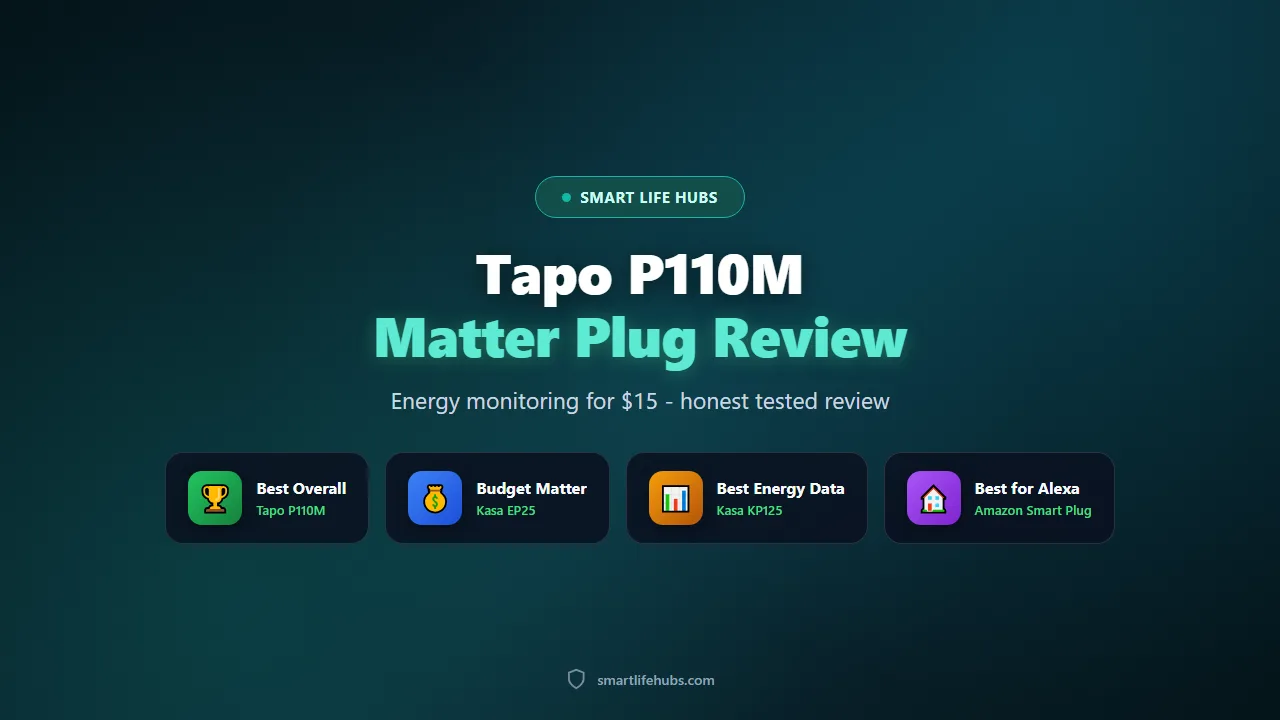
The TP-Link Tapo P110M is a compact Wi-Fi smart plug with Matter support, per-plug energy monitoring and a price around 15 dollars, and it is one of the cheapest ways to add both smart control and power reporting to a device. I have used several of them around a home for about four months, and the honest summary is that it is excellent value with a genuinely useful energy readout, while the app experience and the Matter setup are the two things you accept at this price.
The second thing to understand is what the P110M does that a plain smart plug does not. It reports the real-time power draw and the cumulative energy of whatever is plugged into it, and it exposes the plug through Matter so it works with Apple Home, Google Home, Alexa and SmartThings without a hub. That combination, sub-20 dollar price and Matter, is what makes it stand out from the Kasa EP25, which has no energy monitoring, and the Kasa KP125, which has energy monitoring but no Matter.
Prices below are US retail captured in November 2026 and the P110M is frequently cheaper in multi-packs.
At a glance
| Product | Best for | Key specs | Price |
|---|---|---|---|
| TP-Link Tapo P110M | Best overall | Matter, energy monitoring, compact, no hub | About 12 to 17 USD |
| TP-Link Kasa EP25 | Best budget Matter plug | Matter, slim, no energy monitoring | About 10 to 15 USD |
| TP-Link Kasa KP125 | Best energy monitoring | Energy monitoring, compact, no Matter | About 15 to 20 USD |
| Amazon Smart Plug | Best for Alexa | Simple setup, no energy monitoring | About 15 to 25 USD |
| Meross MSS110 | Best budget pack | Cheap multi-packs, HomeKit, energy data | About 10 USD each |
The Tapo P110M and its closest rivals
1. TP-Link Tapo P110M, best overall
The P110M is the pick if you want energy monitoring and Matter in one cheap plug. It is a compact block that fits a standard US outlet without blocking the second socket, it connects over 2.4GHz Wi-Fi with no hub, and it reports the real-time power and the cumulative energy in the Tapo app. It supports Matter, so it joins Apple Home, Google Home, Alexa and SmartThings, and it has scheduling, an away mode and a timer. At about 12 to 17 dollars it is the best value in the category. The honest trade-offs are an app that is busier than Kasa’s, a Matter setup that needs the Tapo app first, and a plastic body that feels less premium than the Kasa EP25.
Pros
- Energy monitoring and Matter in one plug for under 20 dollars
- Compact body that does not block the second outlet
- Scheduling, away mode and a timer in the app
Cons
- Matter setup requires the Tapo app first
- App is busier than Kasa’s and the build is plainer
Check today’s price on Amazon.
2. TP-Link Kasa EP25, best budget Matter plug
The EP25 is the pick if you want Matter and you do not care about energy monitoring. It is a slim plug that fits a standard outlet, it supports Matter for the major ecosystems, and it costs about 10 to 15 dollars. It has scheduling and a timer but no power readout, so it is the better buy for a lamp or a fan where you only want control, and the P110M is the better buy if you want to see what a device is using.
Pros
- About 10 to 15 dollars with Matter and no hub
- Slim body fits the outlet cleanly
- Scheduling and a timer in the Kasa app
Cons
- No energy monitoring
- Fewer features than the P110M for similar money
Check today’s price on Amazon.
3. TP-Link Kasa KP125, best energy monitoring
The KP125 is the pick if you want the most polished energy monitoring and you do not need Matter. It is a compact plug with a real-time power readout and a usage history in the Kasa app, it supports Alexa and Google, and it costs about 15 to 20 dollars. The trade-off is no Matter, so it stays in the Kasa ecosystem rather than joining Apple Home natively, and the app is the well-established Kasa one. If you live in Kasa and want energy data, this is the better plug; if you want Matter, the P110M.
Pros
- Excellent energy monitoring and usage history in the Kasa app
- Compact body and a polished, reliable app
- About 15 to 20 dollars
Cons
- No Matter support
- Tied to the Kasa ecosystem
Check today’s price on Amazon.
4. Amazon Smart Plug, best for Alexa
The Amazon Smart Plug is the simplest option if you live in Alexa. It sets up in minutes through the Alexa app, it has no hub, and it costs about 15 to 25 dollars. It has no energy monitoring and it does not support Matter, so it is the pick for an Alexa household that wants a lamp or a fan on a schedule and nothing more. The trade-off is the smallest feature set here, so it is the easy choice rather than the good-value one.
Pros
- The simplest setup in this roundup
- No hub and full Alexa integration
- Small and unobtrusive
Cons
- No energy monitoring
- No Matter, so it is tied to Alexa
Check today’s price on Amazon.
5. Meross MSS110, best budget pack
The Meross is the pick if you want several cheap plugs and you like a multi-pack. It supports Apple Home, Alexa and Google, it reports energy data in the Meross app, and the multi-packs bring the per-plug price to about 10 dollars. The trade-offs are a busier app, a larger body than the Kasa and a Matter implementation that varies by model, so it is the value choice for a house full of plugs rather than the most polished single purchase.
Pros
- About 10 dollars per plug in multi-packs
- Energy data and support for the major ecosystems
- Good for outfitting several rooms at once
Cons
- App and build are less polished than Kasa or Tapo
- Matter support varies by model
Check today’s price on Amazon.
How to choose between the P110M and its rivals
Start with whether you want energy monitoring, because that splits the category. If you want to see what a device is using, the P110M, the KP125 and the Meross all do it, and the P110M adds Matter. If you only want control, the EP25 and the Amazon plug are cheaper and simpler. Buying a plug with energy monitoring for a lamp you already know is on is money wasted.
Then check the ecosystem, because Matter is the feature that decides it. The P110M and the EP25 support Matter, so they work across Apple, Google, Alexa and SmartThings. The KP125 and the Amazon plug are tied to their own ecosystems. If you want one plug that works wherever you end up, buy Matter.
Check the physical size, because a smart plug that blocks the second outlet is annoying in a double socket. The P110M and the EP25 are compact, the KP125 is compact, and the Meross and the Amazon plug are a little larger. Measure the socket you have in mind, especially behind a piece of furniture or in a power strip.
Be honest about the app, because you will use it daily. The Kasa app is the most polished here, the Tapo app is busier but functional, and the Meross and Amazon apps are simpler. If you already use Kasa, staying in that app is worth something; if you want Matter, the Tapo app is the price of admission.
Finally, buy in a multi-pack if you can, because the per-plug price drops and you will want more than one. A single plug is a trial; a four-pack is a system. A detailed 2026 comparison at labtestedpicks.com/reviews/best-smart-plugs covers the energy monitoring and Matter behaviour of the current models.
Living with the P110M
Set it up in the Tapo app first, then add it to Matter, because the Matter pairing needs the device to be provisioned and up to date. Follow the app’s Matter instructions, scan the code or enter the setup code in your chosen ecosystem, and confirm the plug appears and responds before you rely on it. Give the plug a clear name during setup, because the name you choose then is the name you will see in every ecosystem and in the energy history.
Pairing and placement
The P110M connects over 2.4GHz Wi-Fi, so it will not join a 5GHz-only network, and it needs a reasonable signal at the outlet. A plug in a metal socket behind a cabinet can struggle, so test the connection before you push it into a tight spot. Once it is paired, check that the energy readout shows a sensible number for a known load, like a lamp with a 40 watt bulb, because a plug that reads zero or wildly high is one with a faulty sensor.
Placement matters more than the spec sheet suggests. A smart plug that blocks the second outlet can force you to move a device, and a plug behind a sofa is one you cannot reach to reset. Fit it where you can see the indicator and press the button, and avoid pushing it fully home behind furniture unless you are sure you will not need to.
Use the energy monitoring to find the loads you did not expect, because the readout is the reason to buy this plug. Check a television, a game console, a freezer and a heater, and you will usually find one device using more standby power than you assumed. A plug that shows 15 watts on a device you thought was off is the kind of finding that pays for the plug.
Do not put it on a high-draw appliance, because a standard smart plug is rated for 15 amps and some high-power heaters and air conditioners approach that limit. Check the wattage of the device against the plug’s rating, and use a heavy-duty smart plug for anything that draws close to the maximum.
Keep the firmware updated, because a smart plug is a networked device on your mains. The Tapo app prompts for updates, and a plug that is never updated is a plug you are trusting with a heater for years.
Name the plug after the device rather than the room, because a schedule for “living room lamp” is clearer than one for “plug 1”, and it makes the energy history easier to read. For the wider range, our smart plug comparison covers the alternatives, and the energy-saving plug guide covers the power monitoring in more detail.
Frequently asked questions
Frequently Asked Questions
6Is the Tapo P110M worth it?
Yes, at its price. It combines Matter, energy monitoring and scheduling for about 12 to 17 dollars, which is cheaper than most plugs that offer only one of those. If you want energy data and you want the plug to work across ecosystems, it is the best value here.
What is the difference between the P110M and the Kasa EP25?
The P110M adds energy monitoring, which the EP25 lacks. Both support Matter and both are compact, so the P110M is the better buy if you want to see power usage and the EP25 is the cheaper buy if you only want control.
Does the P110M require a hub?
No. It connects over 2.4GHz Wi-Fi and supports Matter, so it needs only a Matter controller such as an Apple TV, a HomePod, an Echo or a Nest Hub for the Matter setup.
Can I use the P110M with Apple Home?
Yes. It supports Matter, so it joins Apple Home after you set it up in the Tapo app and add it with the Matter setup code.
What can the energy monitoring tell me?
It reports the real-time power draw and the cumulative energy used, so you can see which devices are expensive to run, how much standby power a television or console uses, and whether a heater or a dehumidifier is working as expected.
Is the P110M safe for a heater or an air conditioner?
Check the rating first. A standard smart plug is rated for about 15 amps, and a large heater or a window air conditioner can approach that. For anything high-draw, use a plug rated for the load or a dedicated smart switch.
The bottom line
Buy the TP-Link Tapo P110M at about 12 to 17 dollars if you want the best value smart plug. It combines Matter, energy monitoring and scheduling in a compact body, and the power readout is the feature that makes it worth buying over a plain smart plug.
The TP-Link Kasa EP25 at about 10 to 15 dollars is the better buy if you only want control and Matter, because it is cheaper and slimmer and does the same job without the energy data. The Kasa KP125 at about 15 to 20 dollars is the pick if you want the most polished energy monitoring and you are happy in the Kasa ecosystem.
The honest caveats are the app, which is busier than Kasa’s, and the Matter setup, which needs the Tapo app first. Neither is a reason to avoid it, but they are the cost of the price. For a lamp, a fan or a television you want to measure and control, the P110M is the plug to buy.


Leave a Comment