
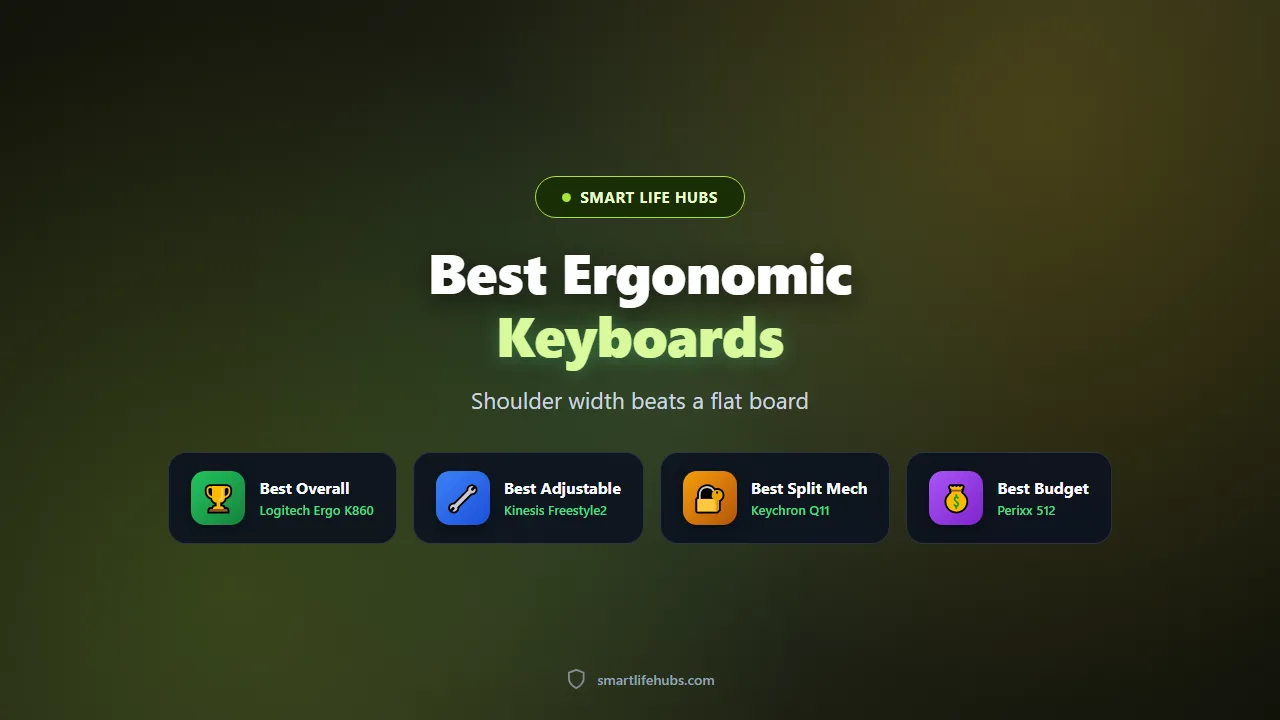
Best ergonomic keyboards of 2026 are the ones that put your hands at shoulder width with the wrists straight, and the honest finding after typing on them for a fortnight is that the Logitech Ergo K860 is the best for most people while the Kinesis Freestyle is the only one you can physically separate to match your shoulders. An ergonomic keyboard is not a cure for wrist pain, but it removes the inward twist that a flat board forces on you.
The second thing to understand is that there are three designs and they suit different people. A curved split like the K860 keeps a familiar layout with a gentle curve, a fully split board like the Kinesis or Keychron Q11 separates into two halves you place wherever you like, and a contoured board like the Kinesis Advantage puts the keys in two scooped wells. Each has a learning curve, and the more radical the shape, the longer it takes to type at speed again.
Prices below are US retail captured in November 2026 and they move with sales.
At a glance
| Keyboard | Best for | Key specs | Price |
|---|---|---|---|
| Logitech Ergo K860 | Best overall | Alice split, tenting, Bluetooth and USB, wrist rest | About 130 to 160 USD |
| Kinesis Freestyle2 | Best adjustable | Fully split, 5 to 15 degree lifters, 9 inch separation | About 120 to 160 USD |
| Keychron Q11 | Best split mechanical | Fully split, Gateron switches, QMK and VIA, USB-C | About 180 to 220 USD |
| Kinesis Freestyle Edge RGB Plus | Best for macros | Fully split, Gateron Pro, 8 macro keys, lift kit | About 250 to 300 USD |
| Perixx PERIBOARD-512 | Best budget | Wired split, no wireless, simple layout | About 40 to 60 USD |
The best ergonomic keyboards of 2026
1. Logitech Ergo K860, best overall
The K860 is the pick because it is the only board that gets the important things right at once: a genuinely curved split keyframe, a memory-foam wrist rest that does not become a pressure point, a full key field with a number pad, and both Bluetooth and a USB receiver. It costs about 130 to 160 dollars, and the honest trade-offs are a curve that is gentler than a fully split board, a number pad that forces a right-handed mouse user to reach further, and a wrist rest that is integrated rather than detachable, so it is the pick for someone who wants one keyboard that works for work and play.
Pros
- Curved split with tenting and a memory-foam wrist rest
- Bluetooth and USB receiver, three device switching
- About 130 to 160 dollars
Cons
- Gentler curve than a fully split board
- Number pad pushes the mouse further away
Check today’s price on Amazon.
2. Kinesis Freestyle2, best adjustable
The Freestyle2 is the pick if you want to set the width yourself, because its halves rotate and separate up to nine inches and the VIP3 lifters tent the board from 5 to 15 degrees, so you can match the board to your shoulders rather than adapt to it. It costs about 120 to 160 dollars, and the honest trade-offs are a wired USB connection, a scissor switch that is not as crisp as a mechanical board, and a design that is older than the competition, so it is the pick for someone with broad shoulders or a wide stance.
Pros
- Halves separate up to nine inches and rotate
- Tenting lifters from 5 to 15 degrees
- About 120 to 160 dollars
Cons
- Wired USB only
- Older design and scissor switches
Check today’s price on Amazon.
3. Keychron Q11, best split mechanical
The Q11 is the pick if you want a fully split mechanical board, because it separates into two halves, runs Gateron switches and is programmable through QMK and VIA in a browser, with RGB and a USB-C connection. It costs about 180 to 220 dollars, and the honest trade-offs are a wired connection, no wrist rest included, a learning curve while you relearn the split, and a price above the scissor boards, so it is the pick for a typist who already likes mechanical switches.
Pros
- Fully split mechanical with Gateron switches
- QMK and VIA programming in the browser
- About 180 to 220 dollars
Cons
- Wired and no wrist rest included
- Learning curve on a split layout
Check today’s price on Amazon.
4. Kinesis Freestyle Edge RGB Plus, best for macros
The Edge RGB Plus is the pick if you want a split board with a macro cluster, because the 2025 revision uses Gateron Pro switches, adds four Mac modifier keys and includes the lift kit that used to be a separate purchase, plus eight programmable keys to the left of the board and nine profiles. It costs about 250 to 300 dollars, and the honest trade-offs are a price at the top of the range, a wired USB-A connection, and a gaming focus that most office typists will not use, so it is the pick for someone who runs macros or games.
Pros
- Fully split with Gateron Pro switches and a lift kit
- Eight macro keys and nine programmable profiles
- About 250 to 300 dollars
Cons
- Priciest here and wired USB-A
- Gaming features most typists will not use
Check today’s price on Amazon.
5. Perixx PERIBOARD-512, best budget
The PERIBOARD-512 is the pick if you want a split layout for the least money, because it is a wired split board with a Microsoft-style curve at about 40 to 60 dollars. The honest trade-offs are no wireless, no tenting and no wrist rest, a plastic body and a layout that feels budget, so it is the pick for a first try or a second keyboard at another desk.
Pros
- About 40 to 60 USD, the cheapest here
- Simple wired split with a familiar curve
- Good for a first ergonomic board
Cons
- No wireless, tenting or wrist rest
- Plastic build and a budget feel
Check today’s price on Amazon.
How to choose an ergonomic keyboard
Start with the layout, because that decides how much you will adapt. A curved split like the K860 keeps a layout close to a normal board and is the easiest first step, a fully split board lets you set the width to your shoulders and is the better fit if you sit with your elbows wide, and a contoured board with key wells is the most radical and the slowest to learn. Buy the least radical shape that fixes your problem.
Then think about the connection, because a wireless board is easier to position and a wired board never needs charging. Bluetooth with a USB receiver is the most flexible, a single USB-C cable is the simplest, and a board with three device switching is worth it if you move between a laptop and a desktop. Check whether the board works with your operating system, since the programming software is often Windows or Mac only.
Check the wrist rest and the tenting, because the rest is where comfort is won or lost. A memory-foam rest that you can remove is better than a hard plastic ledge, and a board that tents will keep your forearms from rotating inward. If the board has no tenting, a pair of lifters or a rolled towel can supply it, but a board that includes the option is cleaner.
Think about the switch and the noise, because a mechanical split will be louder than a scissor board and that matters in a shared office. If you work near other people, a scissor or silent board is the considerate choice, and if you type for hours at home, a tactile mechanical switch is easier on the fingers.
Finally, be honest about the learning curve, because a split board will cost you speed for the first week or two. Budget a fortnight at reduced typing speed, keep your old board nearby for the first few days, and do not judge the purchase on the first afternoon. Engadget’s 2026 ergonomic keyboard testing at engadget.com/computing/accessories/best-ergonomic-keyboard covers the layouts, the switches and the prices.
Living with an ergonomic keyboard
Setting the desk, the chair and the board
The board will only help if the rest of the setup is right, so start with the chair and the desk rather than the keyboard. Set the chair so your feet are flat and your thighs are parallel to the floor, then set the desk so your forearms are parallel and your wrists are straight. A board that is comfortable at the wrong height will still hurt you, because the problem is the angle rather than the plastic.
Then set the monitor, because a keyboard and a monitor that are out of line will make you twist. Put the screen directly in front of the keyboard’s centre, at a distance of about an arm’s length, with the top of the screen at eye level. If you use a laptop, a separate board and a stand for the screen will do more for your neck than any keyboard.
Position the board at elbow height with the wrists straight, because the keyboard only helps if the desk and the chair are set for it. Lower the chair or raise the desk so your forearms are parallel to the floor, and keep the board close enough that you are not reaching. A good board at the wrong height will not fix anything.
Separate the halves to your shoulder width, because that is the whole point of a split board. Start with the halves a few inches apart and move them apart until your elbows hang naturally at your sides rather than squeezing in against your ribs. A board that is too narrow is only half a solution.
Use the tenting lightly at first, because a steep tent will feel strange and can strain the forearms if you are not used to it. Start with the lowest setting, type for a few days, then raise it a step if your forearms still rotate inward.
Keep the wrist rest for the pauses rather than for the typing, because resting your wrists on a pad while you type can compress the carpal tunnel. Float your hands over the keys while typing and drop them onto the rest between bursts, which is the pattern the ergonomists recommend.
Give yourself two weeks before you judge it, because the first days on a split board feel slow and clumsy and most people want to go back. Keep the old board connected for the first week, then switch fully, since the speed returns once the new posture becomes automatic.
For the wider desk range, our mechanical keyboard guide covers the switches and the budget boards, and the wrist rest guide covers the rests.
Frequently asked questions
Frequently Asked Questions
6Do ergonomic keyboards help wrist pain?
They can help by removing the inward twist a flat board forces on the wrists, but they are not a treatment. If the pain is persistent, numb or wakes you at night, see a clinician rather than buying a more expensive board.
What is the difference between a split and a contoured keyboard?
A split keyboard divides into two halves that you place apart, which sets the shoulder width. A contoured keyboard adds scooped key wells so the fingers reach down into the board. A board can be both, and the more radical the shape, the longer the learning curve.
How long does it take to get used to an ergonomic keyboard?
Most people type noticeably slower for the first week and return to close to their normal speed within two to three weeks on a curved split, and longer on a fully split or contoured board. Keep the old board handy for the first few days.
Is a mechanical ergonomic keyboard worth it?
If you type for hours and already like mechanical switches, yes, because the feel and the programmability are better. If you work in a shared office, a scissor board is quieter and the difference in comfort is smaller than the difference in noise.
Should I rest my wrists on the wrist rest while typing?
No. Rest them between bursts of typing, because pressing the wrists into a pad while you type can compress the carpal tunnel. Float the hands over the keys and drop them onto the rest when you pause.
Do I need a keyboard if my desk is not adjustable?
A keyboard alone will not fix a bad setup, because the board, the chair and the monitor all have to line up. Raise the chair or lower the desk so the forearms are parallel to the floor, and set the monitor so the top of the screen is at eye level.
The bottom line
Buy the Logitech Ergo K860 at about 130 to 160 dollars if you want the best ergonomic keyboard for most people, because the curved split, the memory-foam rest and the wireless connection make it the easiest board to live with.
Buy the Kinesis Freestyle2 at about 120 to 160 dollars if you want to set the width yourself, the Keychron Q11 at about 180 to 220 dollars for a split mechanical board, the Kinesis Freestyle Edge RGB Plus at about 250 to 300 dollars for macros, and the Perixx PERIBOARD-512 at about 40 to 60 dollars for the budget.
The honest point is that a keyboard only helps if the desk and the chair are set for it, so fix the height first, separate the halves to your shoulders and give yourself two weeks before you judge the purchase.






Leave a Comment