
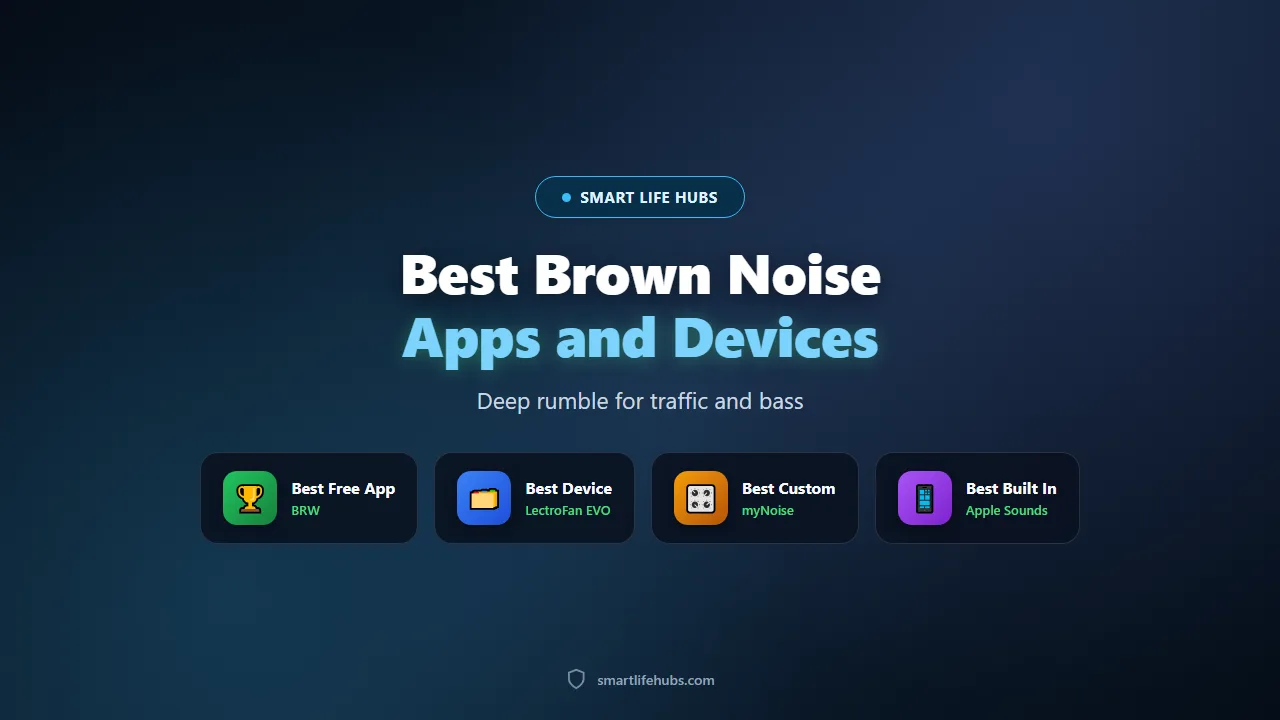
Best brown noise apps and devices of 2026 are the ones that produce a deep, steady rumble you can leave on for hours, and the honest finding after testing the apps is that the best free option is a real brown-noise app with no ads and offline playback, while the best hardware is a white-noise machine that happens to include brown noise. Brown noise is weighted towards the bass, so it sounds like a waterfall or distant thunder, and it is the colour most people reach for when traffic, bass or a snore is the problem.
The second thing to understand is that brown noise is not an established treatment for anything. The 2024 review of noise and attention found a small benefit for white and pink noise on lab attention tests in young people with ADHD symptoms, and it did not establish the same for brown. If you do not have attention difficulties, background noise may make focused tasks slightly harder. Buy brown noise because you find it soothing, not because it will fix your focus.
Prices below are US retail captured in November 2026 and they move with sales.
At a glance
| Option | Best for | Key specs | Price |
|---|---|---|---|
| BRW – Brown Noise for Sleep | Best free app | White, brown, pink, blue, green, offline, timer, no ads | Free, premium optional |
| LectroFan EVO | Best device | 22 non-looping sounds including brown, timer | About 50 to 70 USD |
| myNoise | Best customisable | 10 band sliders, offline, one-time purchase | Free tier, about 20 USD full |
| Apple Background Sounds | Best built in | System sound on iPhone, iPad and Mac | Free |
| Dark Noise | Best Apple app | 8 sounds, mixes, fade-out timer, widgets | Free, Pro about 50 USD once |
The best brown noise apps and devices of 2026
1. BRW – Brown Noise for Sleep, best free app
BRW is the pick for a free app because it is built around the colour you came for, with white, brown, pink, blue and green noise, offline playback, a sleep timer that fades out, mixing and no ads label on Google Play. It costs nothing with optional premium purchases, and the honest trade-offs are a design that is plainer than the paid sleep apps, a smaller sound library than a full sleep suite, and an app that is made for sleep rather than for daytime focus, so it is the pick for a simple brown-noise player.
Pros
- Free with brown, white, pink, blue and green noise
- Offline playback with a fade-out sleep timer
- No ads label on Google Play
Cons
- Plain design and a small library
- Made for sleep rather than focus
Get it on the App Store or Google Play.
2. LectroFan EVO, best device
The EVO is the pick if you want brown noise from a device rather than a phone, because it generates its sounds rather than replaying a recording, so the brown noise has no loop seam, and it offers 22 sounds including white, pink and brown plus 10 fan tones with precise volume control and a timer. It costs about 50 to 70 dollars, and the honest trade-offs are a plastic body, a night light some people find intrusive, and a sound that can be bright at the higher volumes, so it is the pick for a bedroom that needs the noise all night.
Pros
- Non-looping brown, pink and white noise generated on the spot
- 22 sounds with precise volume and a timer
- About 50 to 70 dollars
Cons
- Bright at higher volumes
- Plastic body and an intrusive night light
Check today’s price on Amazon.
3. myNoise, best customisable
myNoise is the pick if you want to shape the sound rather than pick a preset, because its web and mobile players give you ten frequency-band sliders, a hearing calibration and a brown-noise preset in its noise player, with offline playback and a one-time purchase for full access. It has a free tier, and the honest trade-offs are a brown-noise offering that is sample-based on the web, an interface that is dated, and a mobile purchase that is separate from the web version, so it is the pick for someone who wants to tune the rumble.
Pros
- Ten band sliders with a hearing calibration
- Offline playback and a one-time purchase
- Free tier available
Cons
- Sample-based on the web and a dated interface
- Mobile and web are separate purchases
Get it at mynoise.net or from the app stores.
4. Apple Background Sounds, best built in
Apple’s Background Sounds is the pick if you are already in the Apple world, because it is built into iPhone, iPad, Mac and Vision Pro and gives you a system-level sound called Dark Noise, with a volume control and, from iOS 26, an equalizer and a timer. It costs nothing, and the honest trade-offs are that it is Apple-only, the noise colours are not labelled as brown, and there is no offline app to buy for Android, so it is the pick for an iPhone or Mac user who wants it now.
Pros
- Built into iPhone, iPad and Mac, no install
- System-level sound with a timer from iOS 26
- Free
Cons
- Apple devices only
- Noise colours not labelled as brown
Find it in Settings, Accessibility, Audio and Visual.
5. Dark Noise, best Apple app
Dark Noise is the pick if you want more than the built-in sound, because it offers eight sounds, custom mixes, a fade-out timer, Apple widgets and Shortcuts support, and it is available on iPhone, iPad and Mac, with a free tier and a Pro unlock that includes a lifetime option at about 50 dollars. The honest trade-offs are no Android version, mixes limited to Pro, and brown noise access that is not confirmed on the free tier, so it is the pick for someone who wants a proper app on Apple devices.
Pros
- Eight sounds with mixes, a fade-out timer and widgets
- Free tier with a lifetime Pro option
- Apple devices only, no Android
Cons
- Mixing is Pro only
- No Android version
Get it on the App Store.
How to choose a brown noise app or device
Start with the source, because the same brown noise will sound very different on a phone speaker and a proper device. A phone app is fine if you listen through headphones or a small speaker in a quiet room, while a device with a real driver is the better choice if the noise has to fill a bedroom or cover a snore. Buy for the room rather than for the feature list.
Then check whether the sound loops, because a recorded brown-noise track will have a seam you will notice after a while. An app that synthesises the noise on the device, or a machine that generates it, has no loop, and that matters more for all-night use than the number of presets. A cheap app playing a 60-second loop is fine for a nap but will catch your ear at three in the morning.
Check the volume and the fade, because brown noise needs to sit below the level you notice and stop when you have fallen asleep. A sleep timer with a fade-out is the feature that makes an app usable, and a fine-grained volume control beats a set of presets, since the difference between too quiet and too loud is a couple of decibels.
Think about the extras and the cost, because a free app with ads or a subscription may be worse value than a one-time purchase. A sleep suite such as BetterSleep or Calm will include brown noise among hundreds of sounds for a monthly fee, which is fine if you also want stories and meditation, and wasteful if you only want the rumble.
Finally, be honest about the evidence, because brown noise is a comfort choice rather than a treatment. The 2024 review of noise and attention found a small benefit for white and pink noise in young people with ADHD symptoms and did not establish the same for brown, and it found that in people without attention problems the noise made some tasks slightly harder. BrownNoiseForSleep’s 2026 app comparison at brownnoiseforsleep.com/best-brown-noise-apps covers the apps, the platforms and the evidence.
Living with brown noise
Choosing the colour and the level
Brown noise is the deepest of the three colours, so if the problem is traffic, a neighbour’s bass or a snore, it is usually the first to try. It is also the colour that most people find easiest to sleep next to, because the energy sits low and there is little hiss to catch the ear. If a week of brown noise leaves the room feeling muffled rather than calm, switch to pink and see whether the extra mid-range helps.
The level is the other decision, and brown noise is easy to set too loud because it is pleasant rather than harsh. Aim for a steady floor you stop noticing within a few minutes, and use the fade-out timer if you only need it to fall asleep, since a lower volume for a shorter period is easier on the ears and on a partner.
Start lower than you expect, because brown noise is pleasant and it is easy to set it too loud. Begin below the level that feels like it is doing something and leave it for several nights before increasing, since the goal is a steady floor rather than a dominant sound. A rumble you are aware of is a rumble that is too loud.
Keep the sound the same from night to night, because your brain learns to ignore a steady sound and changing it every few nights resets that process. Pick one app, one track or one machine setting, and leave it, since consistency is what makes the masking work.
Use a fade-out timer rather than switching it off, because a hard cut will wake you if you drift into a light sleep as it stops. Set the timer for the time it usually takes you to fall asleep, and let the volume decay over the last minute, which is gentler on the ears and on a partner.
Pair it with earplugs or a headband if the noise is for one person, because a partner who does not want the rumble will otherwise switch the machine off. A sleep headband or a white-noise machine with a headphone jack lets one person have the sound at a low level without imposing it.
Use it for the problem it solves, because brown noise masks low-frequency sound and does nothing for bright noise. Traffic, a neighbour’s bass and a snore are the cases it handles best, while voices, a baby monitor or a ticking clock need a brighter sound such as white or pink noise.
For the wider sound range, our white noise machine guide covers the devices that include brown, and the pink noise guide covers the softer alternative.
Frequently asked questions
Frequently Asked Questions
6What is the difference between white, pink and brown noise?
White noise has equal energy at every frequency and sounds like bright static. Pink noise has more energy at the lower frequencies and sounds like steady rain. Brown noise is weighted further into the bass and sounds like a deep rumble or a waterfall, which is why it suits traffic and bass.
Does brown noise help with ADHD focus?
Not established. A 2024 review found a small benefit for white and pink noise on lab attention tests in young people with ADHD symptoms, and it did not establish the same for brown. In people without attention problems, background noise made some tasks slightly harder.
Is brown noise better than white noise for sleep?
Neither is better in general. Brown noise is deeper and often more comfortable for people who find white noise harsh, while white noise is brighter and better at masking speech. Choose the colour you can ignore all night at a low volume.
Can I use a phone app instead of a device?
Yes, and it is cheaper, but a phone app will usually loop a recording and will compete with notifications and battery. A dedicated machine or a real fan is the better option for all-night use, and a device with a proper driver will fill a room better.
How loud should brown noise be?
As low as it can be while still covering the noise you want to mask. Start below the obvious level and increase until the background is steady, because a sound you notice is a sound that is too loud, and loud all-night noise is not advisable.
What is the best free brown noise option?
BRW – Brown Noise for Sleep is free on Android and iPhone with brown, white, pink, blue and green noise, offline playback and no ads label, and Apple’s Background Sounds is free and built into iPhone, iPad and Mac. A device costs more but sounds better in a room.
The bottom line
Buy the BRW app if you want a free brown-noise player, because it is built around the colour, plays offline and carries no ads label, and add the LectroFan EVO at about 50 to 70 dollars if you want a device that generates the rumble without a loop.
Buy myNoise if you want to tune the sound with ten band sliders, Apple Background Sounds if you are already on iPhone or Mac and want it free, and Dark Noise if you want a proper Apple app with mixes and widgets.
The honest point is that brown noise is a comfort and masking choice rather than a treatment for focus or sleep, so buy the option that produces the deepest rumble you can ignore, set it low and use a fade-out timer, and reach for white or pink noise when the problem is a voice rather than a bass.


Leave a Comment