
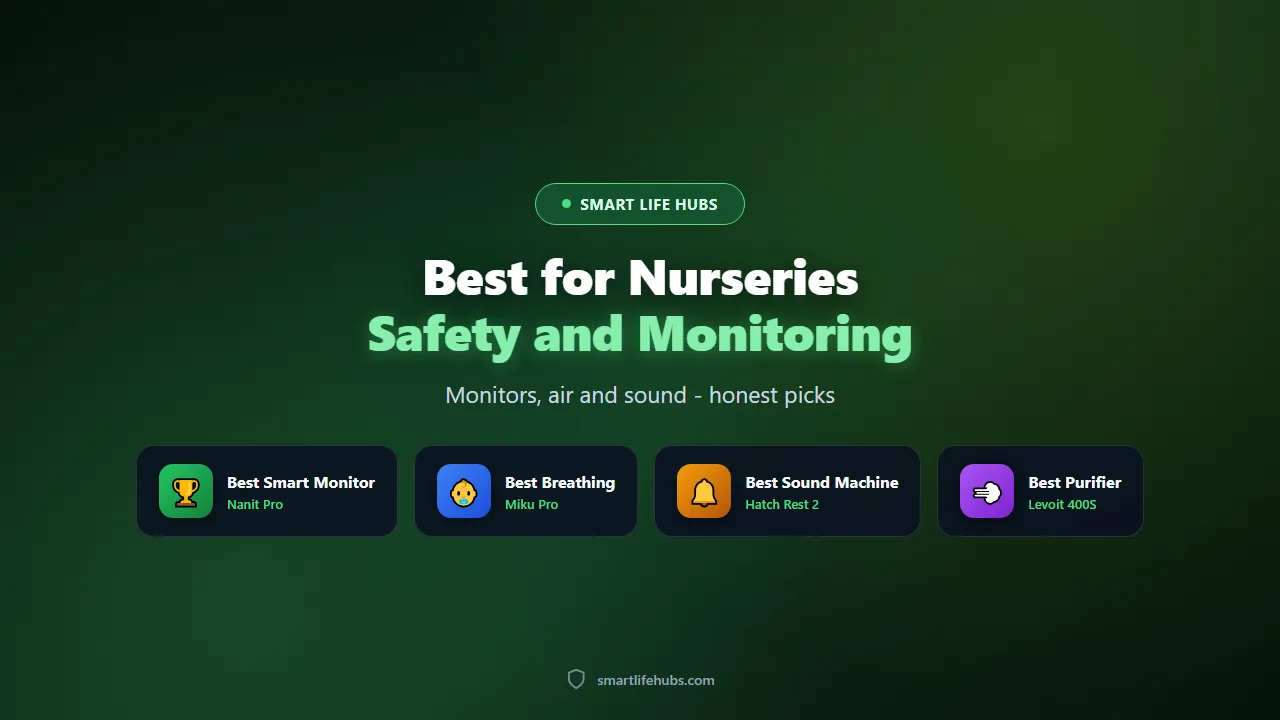
Best smart home devices for a nursery of 2026 are the ones that let you check on a sleeping baby without opening the door, and the honest finding after a year of new-parent use is that the monitor matters, the air matters and the noise machine matters far more than the connected gadgets that look good in a showroom. The nursery is a room where you will use a device at three in the morning, so it has to be simple, quiet and reliable.
The second thing to understand is that a nursery has a narrow set of real problems: is the baby asleep, is the room the right temperature, is the air clean and is there enough white noise to cover the street. A device that answers one of those is worth having, and a device that adds an app, a subscription or a notification you will ignore is not.
Prices below are US retail captured in November 2026 and they move with sales.
At a glance
| Product | Best for | Key specs | Price |
|---|---|---|---|
| Nanit Pro | Best smart monitor | 1080p overhead, breathing motion, sleep tracking | About 200 to 300 USD |
| Miku Pro | Best contactless breathing | 1080p video, no wearables, breathing tracking | About 300 to 400 USD |
| Hatch Rest 2nd Gen | Best sound machine | White noise, night light, time-to-rise, app | About 70 USD |
| Levoit Core 400S | Best nursery purifier | H13 HEPA, quiet on low, app and voice | About 150 USD |
| Aqara Temperature and Humidity | Best room sensor | Zigbee, PM2.5 on the air model, cheap | About 20 to 30 USD |
The best smart home devices for a nursery
1. Nanit Pro, best smart monitor
The Nanit Pro is the pick if you want a monitor that does more than show a picture, because it mounts above the crib for a clear overhead view, it tracks sleep patterns and breathing motion with an optional band, and it gives you time-lapse highlights and background audio. It costs about 200 to 300 dollars, and the honest trade-offs are a subscription for the sleep analytics and the history, a mount that needs a clear view of the mattress, and a camera in the room that you should be able to turn off, so it is the pick for a parent who wants the data and will use it.
Pros
- Overhead 1080p view with sleep and breathing tracking
- Background audio, time-lapse highlights and multi-camera support
- About 200 to 300 dollars
Cons
- Analytics and history need a subscription
- Needs a clear view of the crib
Check today’s price on Amazon.
2. Miku Pro, best contactless breathing
The Miku Pro is the pick if you want breathing monitoring without putting anything on the baby, because it uses a sensor to detect the rise and fall of the chest from the camera and it gives you a live breathing waveform and sleep analysis. It costs about 300 to 400 dollars, and the honest trade-offs are a price at the top of the range, a sleep analysis feature that needs a subscription for the deeper insights, and a camera that needs a good view, so it is the pick for a parent who wants the reassurance without a wearable.
Pros
- Contactless breathing monitoring with no wearable
- 1080p video and sleep pattern analysis
- About 300 to 400 dollars
Cons
- About 300 to 400 USD, the priciest here
- Deeper insights need a subscription
Check today’s price on Amazon.
3. Hatch Rest 2nd Gen, best sound machine
The Hatch Rest is the pick because a nursery needs white noise more than it needs a screen, and this one combines a sound machine, a night light and a time-to-rise clock in a single small device you control from the app or by touch. It has a library of sounds, a customisable colour and a routine that can run on a schedule, and it costs about 70 dollars. The honest trade-offs are a need for the app for the deeper settings, a brightness that can be too much in a very dark room, and a design that is more toy than decor, so it is the pick for the daily routine.
Pros
- Sound machine, night light and time-to-rise in one
- Scheduled routines and a library of sounds
- About 70 dollars
Cons
- Deep settings need the app
- Can be bright in a very dark room
Check today’s price on Amazon.
4. Levoit Core 400S, best nursery purifier
The Core 400S is the pick if the nursery air is a concern, because it has a true HEPA filter, a published noise level that is quiet on the low setting, and app and voice control so you can change the speed without going in. It covers a small room well, and it costs about 150 dollars. The honest trade-offs are a filter you must replace, a top speed that is too loud for a sleeping room, and a plastic design that is functional rather than pretty, so it is the pick for a room with a window you keep shut.
Pros
- H13 HEPA with a quiet low setting
- App and voice control so you do not enter the room
- About 150 dollars
Cons
- Replacement filters are an ongoing cost
- Top speed is loud
Check today’s price on Amazon.
5. Aqara Temperature and Humidity, best room sensor
The Aqara sensor is the pick if you want to know the room rather than the hallway, because a baby’s room can run a few degrees different from the thermostat and the humidity matters for comfort and for the air. It is a small Zigbee sensor that reports temperature and humidity, and the air quality version adds particulates, at about 20 to 30 dollars. The honest trade-offs are a need for a Zigbee hub, a small screenless body that you read in the app, and a battery that needs replacing, so it is the pick for a parent who already has a hub.
Pros
- About 20 to 30 USD, the cheapest useful nursery sensor
- Temperature, humidity and optional PM2.5
- Can trigger a purifier or a humidifier
Cons
- Needs a Zigbee hub
- No display, so you read it in the app
Check today’s price on Amazon.
How to choose for a nursery
Start with the monitor, because it is the one device you will use every day. Decide whether you want a simple video monitor or a smart one with sleep tracking and breathing, and be honest about whether you will look at the analytics. A simple monitor that works is better than a smart one whose subscription you will cancel in a month.
Then think about the air and the temperature, because a nursery is a small room with a door that stays shut. A sensor that reports the room’s temperature and humidity, a purifier with a quiet low setting and a humidifier for the winter will do more for a baby’s comfort than a camera, and the whole set costs less than a smart monitor.
Check the noise, because a nursery device that beeps, chimes or hums loudly is a device that wakes a baby. A sound machine that is adjustable, a purifier that is quiet on low and a monitor whose alerts you can set to vibration rather than sound are worth paying for, and a device with a bright light on the front should be one you can dim completely.
Think about the camera and the privacy, because a camera in a baby’s room is a camera you should be able to disable. Check whether the camera has a physical cover, a software off switch and a local storage option, and decide where the video goes, because a nursery is the most private room in the house.
Finally, be honest about the subscription, because a nursery device that needs a monthly plan is a device you will resent by the third month. Compare the free tier with the premium tier and buy the one whose free tier does what you need, because the features you use at three in the morning are usually the basic ones. Good Housekeeping’s 2026 nursery awards at goodhousekeeping.com/childrens-products/a71818774/parenting-awards-bedroom-nursery-2026 cover the monitors and the nursery air products.
Living with a smart nursery
Sleep, sound and routine
Keep the bedtime routine identical for the first weeks, because a baby learns the sequence before the clock. Run the sound machine, the night light and the monitor in the same order at the same time, and let the smart devices hold the schedule while you hold the baby, which is the real benefit of automating a nursery rather than the novelty of an app.
Adjust the sound machine as the baby grows, because a newborn needs a louder, rougher white noise than a toddler who is learning to sleep through the house. Turn the volume down and the tone softer as the months pass, and move the machine a little further from the crib as the baby becomes more aware of it.
Put the monitor where it sees the mattress and not the ceiling, because a camera angled at the wall is a camera you cannot use. Mount it above the crib or on a shelf with a clear line to the baby, test the view from the parent unit or the app before you commit, and keep the lens out of direct sunlight, which washes out the picture.
Set the temperature and the humidity targets and then leave them, because a nursery that is too warm is a real risk and a nursery that is too dry is uncomfortable. Aim for a room temperature in the range your health visitor recommends and a humidity around 40 to 50 percent, and use the sensor and a humidifier or a purifier on a schedule rather than by hand.
Manage the notifications, because a smart monitor will alert you for every stir and the alert fatigue is real and dangerous. Set the alerts for the events that matter, use the cry detection rather than the motion detection if the monitor has it, and turn the parent unit to vibration when you are sleeping.
Use the white noise consistently, because a sound machine works best when it is part of the routine rather than a response to crying. Start it at the same point in the bedtime routine, keep the volume at a safe level and place it a little away from the crib rather than inside it.
Review the camera and the account, because a nursery camera is a device that will be running for a year or two and then should be factory reset before it is sold or stored. Check who has access, remove the old users, and turn the camera off when it is no longer needed.
For the wider range, our baby monitor guide covers the video, audio and Wi-Fi models, and the humidifier guide covers the nursery air.
Frequently asked questions
Frequently Asked Questions
6Do I need a smart baby monitor?
Not strictly, but a smart monitor that tracks sleep and breathing can give you useful data and peace of mind. A simple audio or video monitor does the basic job for less, so decide whether you will use the analytics before you pay for them.
Are breathing monitors safe?
A contactless breathing monitor or a wearable sock is a reassurance device, not a medical monitor, and it should not replace safe sleep practice or medical advice. Follow the safe-sleep guidance from your health service and use the device as an extra layer of information.
What temperature should a nursery be?
Most guidance suggests a room a little cooler than a sitting room, roughly 16 to 20 degrees Celsius, with a humidity around 40 to 50 percent. Check the recommendation from your own health service, because guidance varies.
Do I need an air purifier in a nursery?
If the room is stuffy, near a road or you live with a pet or a smoker, a purifier with a true HEPA filter helps. A purifier with a quiet low setting is the one to buy, because the top speed will wake a sleeping baby.
Is white noise safe for a baby?
Used at a moderate volume and placed a little away from the crib, white noise is widely used and considered safe. Keep the volume low, avoid placing the machine inside the crib and follow the guidance from your health visitor.
How do I keep a nursery camera private?
Choose a camera with a physical cover or a reliable off switch, use a strong unique password and two-factor authentication, keep the firmware updated, and factory-reset it before you sell or store it.
The bottom line
Buy the Nanit Pro at about 200 to 300 dollars if you want a smart monitor with sleep and breathing tracking and you will use the data, and the Miku Pro at about 300 to 400 dollars if you want contactless breathing monitoring with no wearable.
Buy the Hatch Rest 2nd Gen at about 70 dollars for the sound machine, the Levoit Core 400S at about 150 dollars for quiet air cleaning and the Aqara sensor at about 20 to 30 dollars to watch the room rather than the hall.
The honest point is that the nursery is a room where simplicity wins. A monitor that works, a room at the right temperature, clean air and a consistent sound are what matter, and the smart features are worth paying for only if you will actually use them at three in the morning.

Leave a Comment