
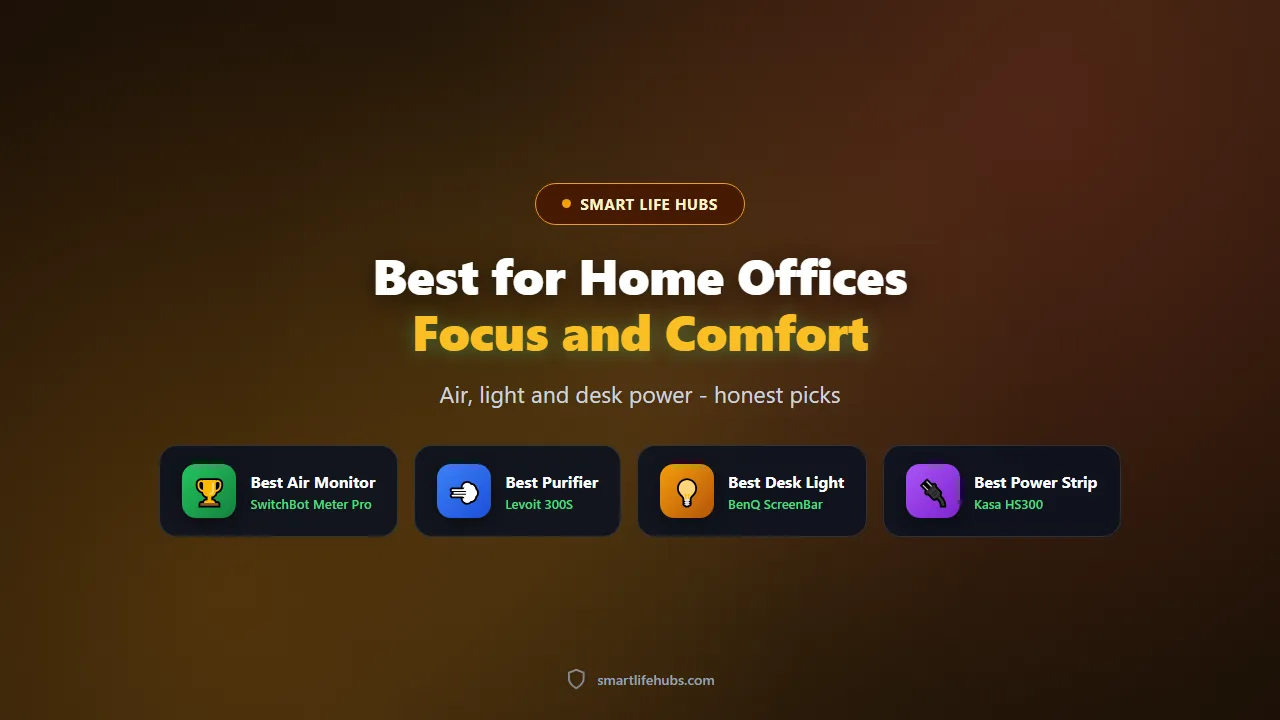
Best smart home devices for a home office of 2026 are the ones that protect your attention, and the honest finding after working from home for several years is that the air and the lighting matter more than the gadgets on the desk. A closed-up office gets stale fast, and once carbon dioxide climbs past about 1,000 parts per million your thinking measurably slows, so the air quality monitor and the purifier earn their place before the smart bulb does.
The second thing to understand is that a home office has two jobs that pull in opposite directions. It needs to keep you alert during the day and it needs to signal the end of the day at night, and a room that does both needs lighting that changes colour through the day, a door you can shut and a routine that closes the work apps rather than a room that is always on.
Prices below are US retail captured in November 2026 and they move with sales.
At a glance
| Product | Best for | Key specs | Price |
|---|---|---|---|
| SwitchBot Meter Pro CO2 | Best air monitor | CO2, PM2.5, VOC, temperature, humidity | About 70 USD |
| Levoit Core 300S | Best purifier | HEPA, auto mode, quiet, app and voice | About 100 USD |
| BenQ ScreenBar | Best desk lighting | Monitor light bar, auto dimming, no desk footprint | About 110 USD |
| Kasa HS300 | Best power strip | 6 outlets plus 3 USB, per-outlet control, energy use | About 60 USD |
| ecobee Smart Thermostat Premium | Best comfort | Room sensor, air quality monitor, Alexa | About 250 USD |
The best smart home devices for a home office
1. SwitchBot Meter Pro CO2, best air monitor
The Meter Pro CO2 is the pick because it is the one device that tells you why the afternoon feels foggy. It measures carbon dioxide, particulates, volatile organic compounds, temperature and humidity on a large at-a-glance display, and it can trigger a routine when the CO2 climbs, so you open a window or switch on a fan before you feel the effect. It costs about 70 dollars, and the honest trade-offs are a screen that is bright in a dark room, a body that is larger than a plain hygrometer, and readings that are good rather than laboratory grade, so it is the pick for a desk rather than for a lab.
Pros
- CO2, particulates, VOC, temperature and humidity in one display
- Can trigger a routine when the air degrades
- About 70 dollars
Cons
- Bright screen and a larger body than a plain sensor
- Readings are good rather than laboratory grade
Check today’s price on Amazon.
2. Levoit Core 300S, best purifier
The Core 300S is the pick if you want cleaner air without a conversation-stopping hum, because it has a true HEPA filter, an infrared dust sensor that drives an automatic mode, and it runs quietly enough for a call. It covers a small office, it works with Alexa and Google, and it costs about 100 dollars. The honest trade-offs are a filter you must replace, a top speed that is noisy, and a plain plastic design, so it is the pick for a room you sit in all day rather than a showroom.
Pros
- About 100 USD with true HEPA and an auto mode
- Quiet enough for calls on the lower speeds
- App and voice control
Cons
- Replacement filters are an ongoing cost
- Top speed is loud
Check today’s price on Amazon.
3. BenQ ScreenBar, best desk lighting
The ScreenBar is the pick if you want better light without giving up any desk space, because it sits on top of the monitor, it lights the desk and the keyboard without lighting your face or your screen, and it has an auto-dimming sensor that adjusts to the room. It costs about 110 dollars, and the honest trade-offs are a need for a monitor with a thick enough bezel, no smart-home integration, and a price that is high for a lamp, so it is the pick for a desk where you read and type rather than for general room lighting.
Pros
- Sits on the monitor, so it takes no desk space
- Auto dimming and an asymmetric beam that avoids glare
- About 110 dollars
Cons
- No smart-home integration
- Needs a suitable monitor bezel
Check today’s price on Amazon.
4. Kasa HS300, best power strip
The HS300 is the pick if your desk has more than one device to control, because it gives you six individually switched outlets plus three USB ports, per-outlet energy monitoring, and a surge-protected body that suits a computer, a monitor, a lamp and a charger. It costs about 60 dollars, and the honest trade-offs are a long body that needs a shelf or the floor, no smart-home hub functions beyond Kasa’s own, and a plastic design that is functional rather than elegant, so it is the pick for a desk with a cluster of gear.
Pros
- Six outlets plus three USB, each switched independently
- Per-outlet energy monitoring
- About 60 dollars
Cons
- Long body that needs space
- Plastic and functional rather than elegant
Check today’s price on Amazon.
5. ecobee Smart Thermostat Premium, best comfort
The ecobee is the pick if the office is cold in the morning and hot in the afternoon, because it comes with a room sensor that measures the office rather than the landing, it has a built-in air quality monitor, and it can trigger the heating from your occupancy. It costs about 250 dollars, and the honest trade-offs are a need for a C-wire or an adapter in many homes, an install that is more involved than a plug-in device, and a price at the top of the range, so it is the pick for an office you heat and cool every day.
Pros
- Room sensor measures the office, not the hall
- Built-in air quality monitor and Alexa
- About 250 dollars
Cons
- Often needs a C-wire or an adapter
- A proper installation rather than a plug-in
Check today’s price on Amazon.
How to choose for a home office
Start with the air, because it is the cheapest productivity win in the room. A CO2 monitor tells you when to ventilate, a purifier handles the particulates and a fan or a vent moves the air, and the whole stack costs less than a good chair. If you only buy one device, buy the monitor, because you cannot fix a problem you cannot see.
Then fix the lighting, because a screen in a dark room is the fastest route to eye strain and a screen in a bright room washes out. A monitor light bar gives you a lit desk without glare, a smart bulb with a tunable white lets you shift from cool morning light to warm evening light, and a desk lamp with a high colour rendering index is better than a bright one.
Check the noise, because an office is a room where a fan or a vacuum is a interruption rather than a background sound. A purifier that is quiet on its low speed, a robot vacuum that runs while you are out and a speaker with a good microphone all matter more in a room you talk in for a living, so read the decibel figures rather than the feature list.
Think about the boundary, because a home office that never closes is a room you never leave. A routine that dims the lights and sets a do-not-disturb when the working day ends, a door you can shut and a chair you can push back are worth more than another gadget, and a smart plug that cuts the work monitor at six o’clock is the cheapest version of a leaving-the-office ritual.
Finally, be honest about the ergonomics, because no smart device fixes a bad chair or a low monitor. A riser, a decent chair and a keyboard at the right height will do more for your output than a shelf of connected gear, and the smart devices should make the good setup easier rather than distract from it. SmartHomeLabs’ 2026 office roundup at smarthomelabs.io/blog/best-smart-home-devices-home-office-2026 covers the plugs, lights and air gear.
Living with a smart home office
Air and lighting routines
Build the ventilation into a routine rather than a habit, because you will not remember to check the monitor every afternoon. Set the monitor to trigger the purifier or a smart window contact sensor to alert you when the CO2 crosses your threshold, and run a fan on a schedule through the afternoon slump. A routine that opens the window by the desk for ten minutes every couple of hours is simpler than any gadget and costs nothing, so keep that as the fallback when the power is out.
Match the light to the clock, because a room that is lit like a workplace at nine in the evening will keep you awake. Set a cool, bright scene for the first hours of the working day, a neutral scene through the middle of the day and a warm, dim scene from late afternoon, and let the ScreenBar’s auto-dimming handle the fine adjustment in between.
Measure the CO2 before you buy anything, because the reading tells you whether you need a purifier, a fan or just a habit of opening a window. Take a reading at mid-morning and mid-afternoon for a week, and if the number stays under about 800 parts per million the room is fine, while a number above 1,000 means ventilation is the fix.
Set the light by the time of day, because a cool bright light in the morning helps you start and a warm dim light in the evening helps you stop. Use a routine that changes the colour temperature on a schedule, and avoid a light that is too bright above the desk, which throws glare on the screen and makes the room feel like a workplace rather than a place you chose to work.
Put the monitor and the purifier where you will actually notice them, because a sensor in a drawer is a sensor that never changes your behaviour. Put the monitor on the desk beside the screen, the purifier a little away from the wall so the intake is clear, and the speaker where it can hear you over the fan.
Use the automations to enforce the boundaries, because the technology is at its best when it removes a decision. Set a focus routine that silences the notifications, a start routine that turns on the light and the purifier, and an end routine that dims the screen and logs off, so the room tells you the day is over.
Clean the filters and the sensors, because a purifier with a clogged filter is a fan moving dirty air and a dusty sensor is a sensor that lies. Check the filter every few months, wipe the sensor vents, and keep the desk and the floor clear so the robot vacuum can do its job.
For the wider setup, our anti-fatigue mat guide covers standing desks, and the posture corrector guide covers the desk posture gear.
Frequently asked questions
Frequently Asked Questions
6Why does my home office feel stuffy in the afternoon?
Usually carbon dioxide. One person in a closed room can push CO2 from 400 to over 1,200 parts per million in an evening, and above about 1,000 parts per million people report slower thinking and more drowsiness. A monitor tells you when to open a window.
Is a smart bulb worth it in an office?
If you want the colour temperature to change through the day, yes. A cool light in the morning and a warm light in the evening helps alertness and winding down, and a tunable white bulb is cheaper than a dedicated desk lamp.
Do I need a CO2 monitor?
It is the cheapest productivity instrument in the room. A monitor tells you when the air is degrading, and the fix is usually a window or a fan rather than a purchase, so it pays for itself in one avoided groggy afternoon.
How loud should an office purifier be?
Look for a published decibel figure on the low speed, ideally under about 40 dB, which is quiet enough for a call. The top speed will be louder, so use the auto mode and let it run fast only when the air is bad.
Can smart devices help with focus?
Indirectly. A routine that silences notifications, a light that is set for the time of day and a room that is the right temperature all reduce friction, but no gadget replaces a closed door and a finished task list.
What is the best lighting for video calls?
A soft light in front of you rather than a bright light behind you. A monitor light bar lights your face without glaring on the screen, and a small key light or a window in front of you is better than an overhead downlight.
The bottom line
Buy the SwitchBot Meter Pro CO2 at about 70 dollars first, because it tells you what is actually wrong with the room, and the answer is usually ventilation rather than another gadget. Pair it with the Levoit Core 300S at about 100 dollars if the particulates are high.
Buy the BenQ ScreenBar at about 110 dollars if your desk is dark, the Kasa HS300 at about 60 dollars if you have a cluster of gear to switch and monitor, and the ecobee Smart Thermostat Premium at about 250 dollars if the room is the wrong temperature all day.
The honest point is that a home office is made by the chair, the light, the air and the boundary, and the smart devices are there to protect those rather than to replace them. Spend on the air and the light first, and add the connected gear only where it removes a decision you make every day.




Leave a Comment