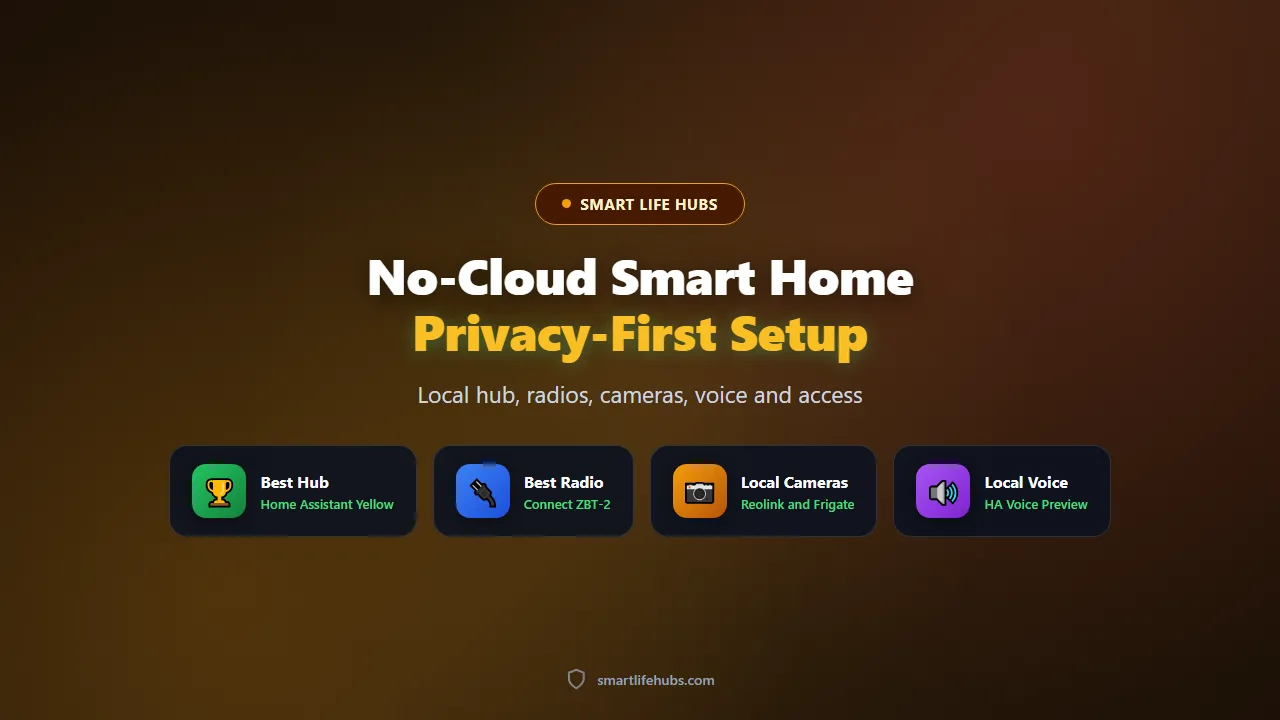
Best no-cloud smart home setups of 2026 keep every automation, every camera clip and every sensor reading inside your house, and the category has reached the point where a privacy-first home is no longer a hacker project. I have run a mostly local setup for two years and rebuilt it once from scratch, and the honest finding is that a no-cloud home is achievable for a normal buyer, but the last five percent, usually voice control and remote access, is where the compromise lives.
The second thing to understand is what “no cloud” actually means in practice. It does not mean no internet. It means your devices and automations do not depend on a vendor’s server to work, so a company cannot disable your lights by ending support and an internet outage cannot stop your heating schedule. You will still use the internet for updates and for remote access when you are away, and you will still need a bridge or a self-hosted service for some things, like voice assistants and phone notifications.
Prices below are US retail captured in November 2026 and they cover the components of a realistic setup rather than a single product.
At a glance
| Component | Best no-cloud pick | Why it works locally | Price |
|---|---|---|---|
| Hub | Home Assistant Yellow | Full local automations, Zigbee built in, open source | About 160 USD |
| Radio | Connect ZBT-2 or SkyConnect | Thread and Zigbee for local device control | About 35 USD |
| Cameras | Reolink PoE with Frigate | Local recording and on-device detection | About 100 USD per camera |
| Locks | Z-Wave deadbolt with a local hub | No cloud account, works offline | About 200 USD |
| Voice | Home Assistant Voice Preview | On-device wake word and local processing | About 40 to 60 USD |
The hub is the foundation
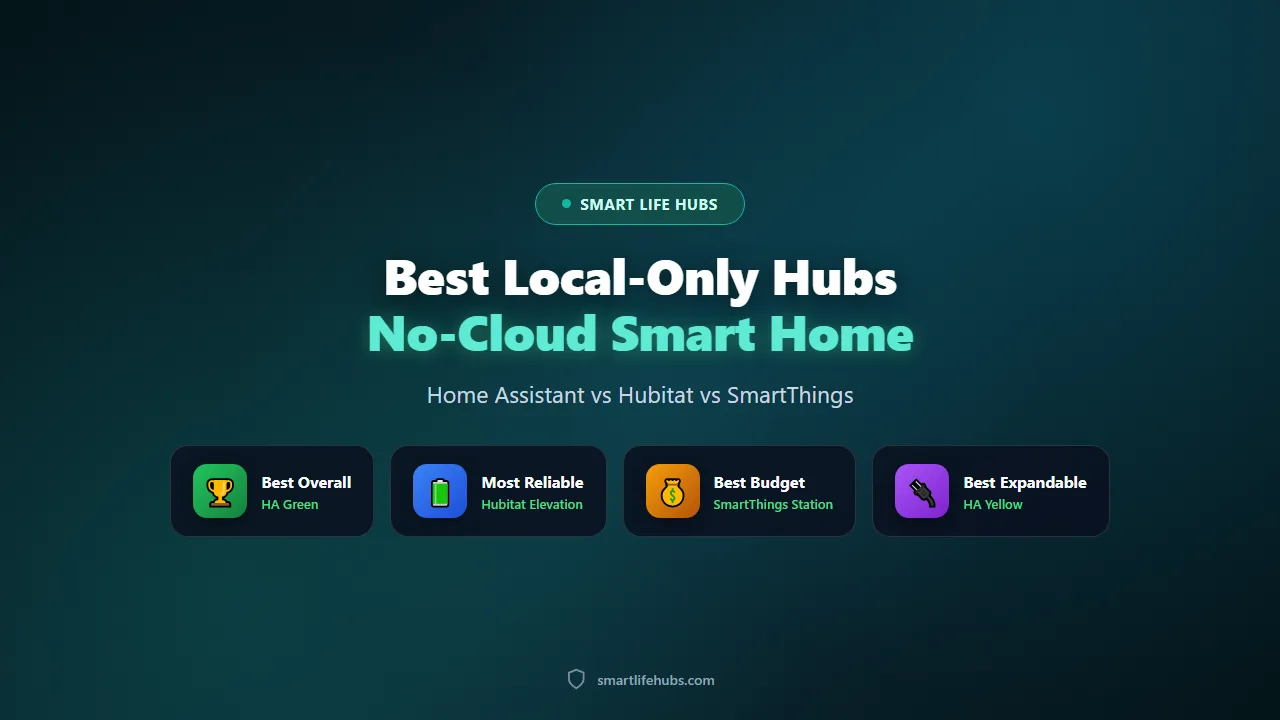
Everything in a no-cloud setup rests on a hub that runs locally, and the best local-only smart home hubs guide covers the options in depth. The practical shortlist is a Home Assistant box for flexibility, a Hubitat for reliability, or a SmartThings hub if you accept some cloud. Buy the hub first and let it dictate which devices you add, because a hub that cannot speak a device’s protocol is a reason to skip that device.
Choosing the operating system
The decision that matters most is the operating system. Home Assistant gives you the most control and the largest community, and it is open source, so no company can discontinue it. Hubitat is simpler and very reliable. SmartThings is the easiest but leans on the cloud. For a genuine no-cloud build, Home Assistant or Hubitat is the honest choice, and the difference between them is mostly how much you want to tinker rather than how capable the result is.
Placement, power and backups
Put the hub somewhere with airflow and a reliable connection, ideally wired rather than on Wi-Fi, and put it on an uninterruptible supply if you want it to survive a cut. The hub is a small computer, so it appreciates the same treatment as a router. Automate the configuration backup to a second device or to storage you control, and test a restore once, because a local system that loses its config is a rebuild rather than a repair.
Radios and protocols
Choose the protocol before the product, because this is where most no-cloud builds succeed or fail. Zigbee and Z-Wave are local mesh networks that never touch the internet, so they are the safest choices for sensors, locks and lights. Thread with Matter is the modern alternative, and it works locally once you have a border router. Wi-Fi devices are convenient but the weakest link, because many of them require a cloud account or phone home to the manufacturer.
Which protocol for which device
A practical split is Zigbee for small battery sensors and bulbs, because the devices are cheap and the mesh is mature; Z-Wave for locks and anything security-related, because the band is less crowded and the range is better; and Thread with Matter for newer devices, because it is the direction the industry is moving. Wi-Fi is fine for mains-powered devices that are already local-friendly, like a smart plug or a robot vacuum with a local API. Matching the protocol to the device keeps the mesh healthy and avoids a house full of single-purpose dongles.
For Zigbee, a USB coordinator such as a Connect ZBT-2 or a SkyConnect plugged into the hub is the standard route, and running Zigbee2MQTT or the built-in ZHA integration keeps everything local. For Thread, the same dongle can act as a border router. For Z-Wave, a dedicated USB stick is the usual answer. Buy one good coordinator rather than several cheap ones, because the coordinator is the single point of failure for the whole mesh.
Avoid devices that are cloud-only even if they claim Matter support. Some Matter devices still require the manufacturer’s app and account for setup or for advanced features, which defeats the point. Check the local behaviour before you buy, and prefer devices that work with a standard Zigbee or Z-Wave integration.
Cameras and recording
Cameras are the hardest part of a no-cloud home, because most consumer cameras are built around a cloud subscription. The local route is an IP camera on your own network, recorded to a local device, with detection running on your own hardware. Reolink’s PoE cameras are the usual starting point, and frigate.io provides open-source on-device object detection that sends you a notification when it sees a person, without uploading the clip anywhere.
Keep the cameras on their own network segment if you can, and block their internet access at the router. A camera that cannot reach the internet cannot leak anything, and it will keep recording locally even if your broadband drops. Use a wired connection where possible, because PoE is more reliable than Wi-Fi and needs no batteries.
Accept the trade-off: a local camera system needs more hardware and more configuration than a subscription camera, and you are responsible for the storage and the backups. For most privacy-conscious buyers that is the point.
Storage, retention and alerts
A local recorder needs somewhere to put the footage, and the honest choices are a small network-attached drive, a dedicated box running the recorder, or a large SD card in each camera. Loop recording with motion-only retention is the sensible default, because continuous recording of every camera fills a drive in days. Set the retention to what you would actually need, usually two to four weeks, and let the recorder overwrite the oldest footage automatically.
Alerts are where a local system beats a subscription one, because the detection runs on your hardware and can tell the difference between a person, a car and a tree moving. Tune the detection zones so a busy road does not ping you fifty times an hour, and use the clips as a log rather than watching live. A system that alerts on real events is useful; a system that alerts on everything is ignored.
Voice control and notifications
Voice is the compromise most people make, because the mainstream assistants are cloud services by design. The local alternative is Home Assistant’s own voice hardware, which runs the wake word and the command processing on the device, so the audio does not leave the room. It is not as capable as Alexa or Google for general questions, but for controlling lights, locks and the heating it works well and it is genuinely private.
Notifications are easier: Home Assistant can send push messages to your phone through its own app, and you can add an email or a messaging service if you want. The key is to avoid a service that requires your data to pass through a third party for every alert, because that is a leak of a different kind.
Remote access is the other compromise. A VPN back into your home network is the private way to reach the system when you are away, and it avoids exposing the hub to the internet. A reverse proxy with a password works too, but a VPN is the safer default.
Remote access without exposing the hub
A VPN is the cleanest answer because it makes your phone behave as if it were on the home network, so the hub never needs a public port. WireGuard and Tailscale are the two common choices, and both are simple to set up on a router or on the hub itself. If you prefer a web interface, put it behind a reverse proxy with a strong password, a certificate and two-factor authentication, and keep it off the default port. The rule is simple: nothing that holds your home’s data should be reachable from the internet without a second factor.
What a no-cloud setup really costs
The honest budget for a starter no-cloud home is lower than most people expect and higher than the marketing suggests. A hub, a Zigbee coordinator, a few sensors and a couple of smart plugs can be assembled for somewhere between 250 and 400 dollars, and that is a genuinely useful system. Adding local cameras, local voice and a proper recorder pushes the total toward 700 to 1,000 dollars, and a whole-house build with dozens of devices runs well past that.
The hidden cost is time rather than money. A no-cloud setup takes longer to configure than a cloud one, and you will spend evenings learning the software and tuning automations. Treat that as part of the budget, and decide in advance whether you enjoy the process, because a privacy-first home that feels like a chore is one you will abandon.
Living with a no-cloud home
Build it in layers and test each one. Get the hub and one protocol working before you add cameras, and get the cameras recording before you add voice. A no-cloud system that is half-configured is more frustrating than a cloud one, because you are the support desk, so small working steps matter more than a grand plan. Write down each step as you complete it, and celebrate the boring wins, because a light that comes on at dusk without the internet is the whole idea.
Back up the hub configuration and the camera recordings separately. A local system that loses its config is a rebuild, so automate the backup to a second device or to storage you control, and keep a copy of the camera footage somewhere other than the recorder.
Label everything and document the automations. A no-cloud home grows over years, and the notes you write when you add a device save hours when something breaks. Write down which device uses which protocol, which automation references it, and what you did to fix it last time.
Expect to miss some convenience. A no-cloud home will not answer general knowledge questions as well as Alexa, and some bargain devices will refuse to work locally. That is the trade, and it is worth it only if privacy and resilience are what you actually want. For the devices themselves, our best smart home devices guide covers the range.
Frequently asked questions
Frequently Asked Questions
6Does a no-cloud smart home need the internet?
No, for the automations and device control. Your lights, locks, sensors and heating schedule run on the local hub. You need the internet for firmware updates, for remote access when you are away, and for some third-party services.
What is the easiest way to start a no-cloud setup?
Buy a local hub such as Home Assistant Yellow or a Hubitat, add one Zigbee or Z-Wave coordinator, and connect a few sensors and a smart plug. Grow from there rather than trying to convert the whole house at once.
Which devices should I avoid in a no-cloud home?
Avoid devices that require a cloud account to function, that have no local API, or that are Matter-certified but still need the manufacturer’s app for setup. Check the local behaviour before you buy rather than trusting the box.
Can I still use Alexa or Google Home?
Yes, with a bridge. Home Assistant can expose your local devices to Alexa or Google through a self-hosted integration or a subscription service. The automations stay local even though the voice assistant is in the cloud.
How do I view my cameras when I am away?
The private route is a VPN back into your home network, so the camera feed never touches the public internet. A password-protected reverse proxy works too, but a VPN is the safer default.
What happens if the hub dies?
The devices usually keep working as ordinary switches and sensors, but the automations stop. Replace the hub, restore the configuration from a backup, and the system comes back. That is why the backup matters more than the hardware.
The bottom line
A no-cloud smart home in 2026 is a realistic project rather than a hacker hobby, and the foundation is a local hub. Buy a Home Assistant Yellow at about 160 USD or a Hubitat Elevation at about 130 USD, add a good Zigbee or Thread coordinator, and build outward from there. Start with a few sensors and a smart plug, get the automations working, and only then add cameras and voice.
The honest trade is convenience. A no-cloud home will not match Alexa for general questions, some bargain devices will refuse to work locally, and you become the support department. If privacy and resilience are genuinely what you want, those costs are worth paying. If you mostly want things to work with the least effort, a mainstream cloud ecosystem will serve you better.
Build it in layers, back up the configuration, keep the cameras off the internet at the router, and use a VPN for remote access. Do those four things and you will have a smart home that keeps working when the broadband drops and keeps your data in your house, which is the whole point.

Leave a Comment