
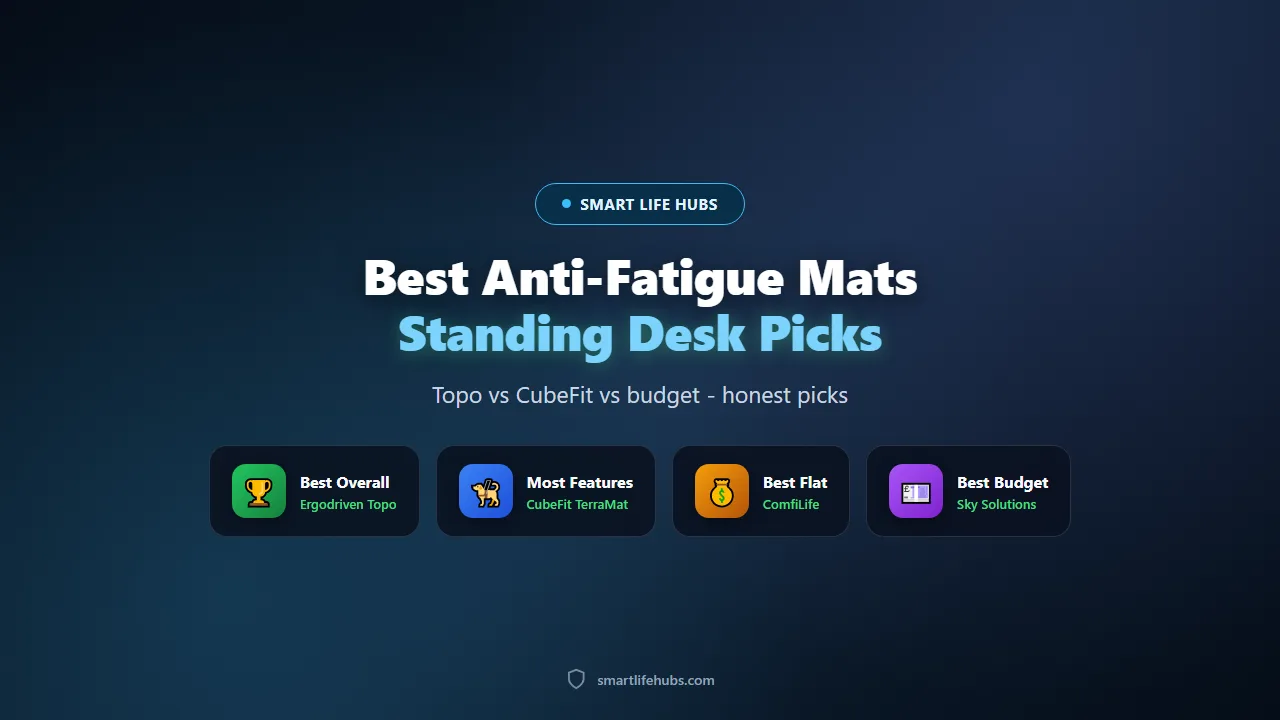
Best anti-fatigue mats of 2026 are the unsung part of a standing desk setup, and the difference between a sculpted terrain mat and a flat foam slab is the difference between standing for four hours and standing for one. I have used a terrain mat at a desk for two years and tried the flat budget options alongside it, and the honest finding is that the terrain mat is worth the money if you stand for more than about two hours a day, and a flat mat is the honest choice if you stand in short bursts.
The second thing to get straight is thickness, because it is the most misleading number in the category. A mat that is three-quarters of an inch of high-density foam beats a two-inch mat of soft squishy foam, because an overly soft surface forces your leg muscles to work harder to balance and actually increases fatigue. The terrain mats use calculated raised features to make your feet shift position constantly, which is what keeps blood moving and your calves from locking up.
Prices below are US retail captured in November 2026 and they move with sales. What separates the mats is the core density, the terrain design and the edge profile, not the thickness claim on the listing.
At a glance
| Product | Best for | Key specs | Price |
|---|---|---|---|
| Ergodriven Topo | Best overall | 3/4 inch calculated terrain, raised wedge and centre mound, beveled edges | About $70 to $119 |
| CubeFit TerraMat | Best for more features | One-piece polyurethane terrain, balance bar, massage mounds, stretching ramp | About $55 to $85 |
| ComfiLife Anti-Fatigue | Best flat mat | 3/4 inch high-density foam, flat, beveled anti-curl edges, 20 by 32 inch | About $30 to $40 |
| Sky Solutions Comfort | Best budget | 3/4 inch polyurethane foam, flat, 20 by 32 or 20 by 39 inch | About $25 to $40 |
| FEATOL Extra Thick | Best plushest budget | Thick foam core, flat, textured surface, multiple sizes | About $30 to $45 |
The best anti-fatigue mats of 2026
1. Ergodriven Topo, best overall
The Topo created the terrain category and it is still the one to beat. Instead of a flat cushion it has a calculated landscape: a raised power wedge at the back, a crowned neutral standing area, side rails, a calf-raise shelf and a central teardrop mound you can press a foot onto. The idea is that the surface invites constant small shifts, so you are never standing static, and testers at Outdoor Gear Lab preferred it over every other mat with raised features. It is three-quarters of an inch of solid polyurethane, has a molded bevel so you do not trip, slides in and out from under a desk with one foot, and carries a seven-year warranty. The honest downsides are the price and the fact that a chair cannot roll over the raised edges.
Pros
- Terrain design keeps you shifting instead of standing still
- Slides with one foot and wipes clean easily
- Seven-year warranty and a durable solid core
Cons
- Seventy to a hundred and nineteen dollars, the most expensive here
- Raised terrain blocks a rolling chair and is firmer than a soft mat
Check today’s price on Amazon.
2. CubeFit TerraMat, best for more features
The TerraMat is the Topo’s closest rival and it packs more features into a slightly larger platform. It has a massage mound, a power wedge, support rails, a stretching ramp, pressure peaks and a balance bar, plus the largest flat standing area of any terrain mat here, so a chair can roll over parts of it without catching. It is one-piece polyurethane with a textured, water-resistant top and a non-slip base. At fifty-five to eighty-five dollars it undercuts the Topo, and the trade-offs are a material that feels slightly cheaper and a surface that some people find cluttered.
Pros
- More terrain features than the Topo, including a balance bar
- Larger flat area, so a chair rolls over it more easily
- Lifetime warranty and a lower price than the Topo
Cons
- Material feels a step down from the Topo and is heavier
- Extra features can feel cluttered if you want a simple mat
Check today’s price on Amazon.
3. ComfiLife Anti-Fatigue, best flat mat
ComfiLife is the pick if you want a flat, forgiving mat at a sensible price, and it is the one Wirecutter recommends for people who stand infrequently or want a mat for the kitchen as well as the desk. It is three-quarters of an inch of high-density foam with a textured surface and beveled anti-curl edges, and it comes in several sizes including a long runner. Wirecutter found it comfortable for an hour or two before the feet and legs start to tire, which is an honest limit, and the foam core can compress after eighteen months of daily use. At thirty to forty dollars it is the best value for a flat mat.
Pros
- Thirty to forty dollars for a well-reviewed flat mat
- Beveled edges and a non-slip base, in several sizes
- Comfortable for short to medium standing stints
Cons
- Comfortable for an hour or two, not a full day of standing
- Foam core can compress permanently after eighteen months
Check today’s price on Amazon.
4. Sky Solutions Comfort, best budget
Sky Solutions is the honest starting point. Three-quarters of an inch of polyurethane foam, flat, with a non-slip bottom and beveled edges, in a range of sizes including a 20 by 39 inch mat that suits a longer desk run. It is the mat to buy for a kitchen counter, a garage bench or a second desk, and for testing whether you will actually stand more before you spend a hundred dollars on a terrain mat. The trade-offs are a foam that compresses over time, no terrain features and a shorter lifespan than the Topo or the TerraMat.
Pros
- Twenty-five to forty dollars depending on size
- Flat, simple and available in long runner sizes
- Firm enough to beat standing on hardwood
Cons
- No terrain features, so you stand still on it
- Foam compresses faster than the premium mats
Check today’s price on Amazon.
5. FEATOL Extra Thick, best plushest budget
FEATOL is the pick if you want the softest, thickest feel for the least money. It is a thick foam mat with a textured surface and a non-slip base, sold in several sizes and colours, at thirty to forty-five dollars. The plushest surface here is genuinely nice underfoot for short sessions, and the mat is light enough to move between rooms. The honest trade-off is the one that applies to every thick soft mat: an overly soft core makes your legs work to balance, so it is better for a kitchen or a craft table than for four hours at a desk.
Pros
- Thirty to forty-five dollars for a thick, soft mat
- Lightweight and available in many sizes and colours
- Textured top and a non-slip base
Cons
- Too soft for long standing sessions
- No terrain features and the foam flattens with daily use
Check today’s price on Amazon.
How to choose the best anti-fatigue mat
Start with how long you actually stand, because that decides the category. Under about two hours a day, a flat high-density foam mat is comfortable and cheaper, and you will not miss the terrain. Over four hours a day, a terrain mat is worth the money, because the raised features keep your feet moving and your calves from locking. Most people who buy a terrain mat do so after a flat mat stopped being enough.
Then check the floor and the chair. A terrain mat with raised edges will catch the casters of a rolling office chair, so if you roll back and forth constantly, the TerraMat with its larger flat area is the more practical choice. On carpet you want a wider base and a denser core; on hardwood a non-slip bottom matters more. Measure the space under your desk before you buy, because the standard mats are 26 by 30 inches and the larger ones are considerably bigger.
Ignore the thickness claim and look at the density. Three-quarters of an inch of high-density polyurethane is the sweet spot, and a two-inch mat of soft foam is worse than the floor. If a listing advertises extra thickness without naming the material density, assume it is soft. A mat should support without sinking, and it should spring back when you step off.
Check the edges, because that is the safety detail. Beveled or molded edges let you roll a chair over the mat and stop you tripping when you step off it after hours of standing. A mat with a curled or raised border becomes a trip hazard in a small office, and a mat with no bevel at all will curl at the corners within months.
Finally, be honest about who will use it. Anti-fatigue mats are a comfort aid with real but modest evidence behind them, and they help most when paired with the habit of shifting your weight and taking sitting breaks. A 2026 buyer’s guide at thedeskriser.com/blog/best-anti-fatigue-mat-standing-desk compares the core thickness, material and edge profile of the leading mats if you want the spec sheet behind the rankings.
Living with an anti-fatigue mat
Place it so you can reach everything without stepping off. The mat should sit fully under your desk reach with enough room to roll your chair back without catching, and your feet should land on the mat at the position where you naturally stand. If you have to step off to open a drawer or reach a printer, you will stop using it.
Use the terrain rather than standing on it. On a Topo or a TerraMat, put one foot on the wedge, the other on the flat area, and swap every ten minutes. Press a foot onto the centre mound to massage the arch, and use the back ramp to stretch your calves. The mat is doing its job when you are not thinking about it, because the surface is prompting you to move.
Wear the right footwear, or none. A terrain mat is designed for bare feet or socks, which is where you get the feedback from the raised features. In an office with shoes, a flat mat is the better choice, because the sole of a shoe blunts the terrain and the bevel becomes a trip edge. If you stand in heels, use a mat rated for point load or put a small protector under the heel.
Clean it on a schedule. A weekly wipe with a damp cloth and mild soap removes dust and skin oil, and a monthly deeper clean keeps the textured surface grippy. Avoid harsh solvents, which crack the surface and make it slippery. Check the base every few months for wear, because a mat that slides on hardwood is worse than no mat at all.
Replace it when it stops recovering. A good mat lasts one to three years of daily use, and the sign that it is done is permanent dips where your feet stand or a non-slip backing that no longer grips. If you are standing more than four hours a day, plan on replacing a flat budget mat every eighteen months and a terrain mat every few years. For the rest of the setup, our guide to the best balance boards covers the board that adds real movement on top of a mat, and a standing desk is the half of the equation that decides whether you stand at all.
Frequently asked questions
Frequently Asked Questions
6Do anti-fatigue mats actually work?
What thickness should an anti-fatigue mat be?
Three-quarters of an inch of high-density foam is the sweet spot for most people. Thicker is not better if the material is soft, because a squishy core forces your legs to work harder to balance and increases fatigue rather than reducing it.
Are terrain mats better than flat mats?
For long standing sessions, yes. The raised features make you shift your stance constantly, which is what keeps your calves from locking up. For short stints or a shared office with a rolling chair, a flat mat is simpler and cheaper.
Can I use a kitchen mat at a standing desk?
You can, but kitchen mats often lack beveled edges and the density an office mat has, and they wear faster under chair wheels. If you will stand daily, a proper anti-fatigue mat is worth the difference.
How do I clean an anti-fatigue mat?
Wipe it weekly with a damp cloth and mild soap, and let it air dry. Avoid harsh solvents, which can crack the surface and make it slippery, and never soak a mat with a foam core.
Are textured or balance mats safe for older users?
They can be, but pick a low-profile texture and test it first. A flat contoured mat is the safer starting point for anyone unsteady on their feet, because a high terrain feature adds an ankle-roll risk.
The bottom line
Buy the Ergodriven Topo if you stand for more than about four hours a day and you have a chair that stays put. The calculated terrain is the design that created this category, it is the most comfortable mat with raised features in independent testing, and the seven-year warranty backs it up. At seventy to a hundred and nineteen dollars it is the most expensive pick here, and it is worth it for daily long standing.
The CubeFit TerraMat at fifty-five to eighty-five dollars is the pick if you want more features and a chair that rolls over the mat, because the larger flat area handles casters better and the balance bar and stretching ramp add options. The ComfiLife at thirty to forty dollars is the best flat mat and the one for short or occasional standing.
On a budget, the Sky Solutions at twenty-five to forty dollars is the honest starting point, and the FEATOL at thirty to forty-five dollars is the plushest. Whichever you choose, ignore the thickness claim, look for density and beveled edges, and use the surface to move rather than standing still on it.






Leave a Comment